Most people who search for a stamp identifier app aren't collectors yet. They have an album from a parent or grandparent, a shoebox of envelopes, or a single stamp that looks old, and they want to know what it is before deciding anything. This is how our app, Stamp Identifier & Collector, handles that, including the parts where it deliberately holds back.
What does it tell me from one photo?
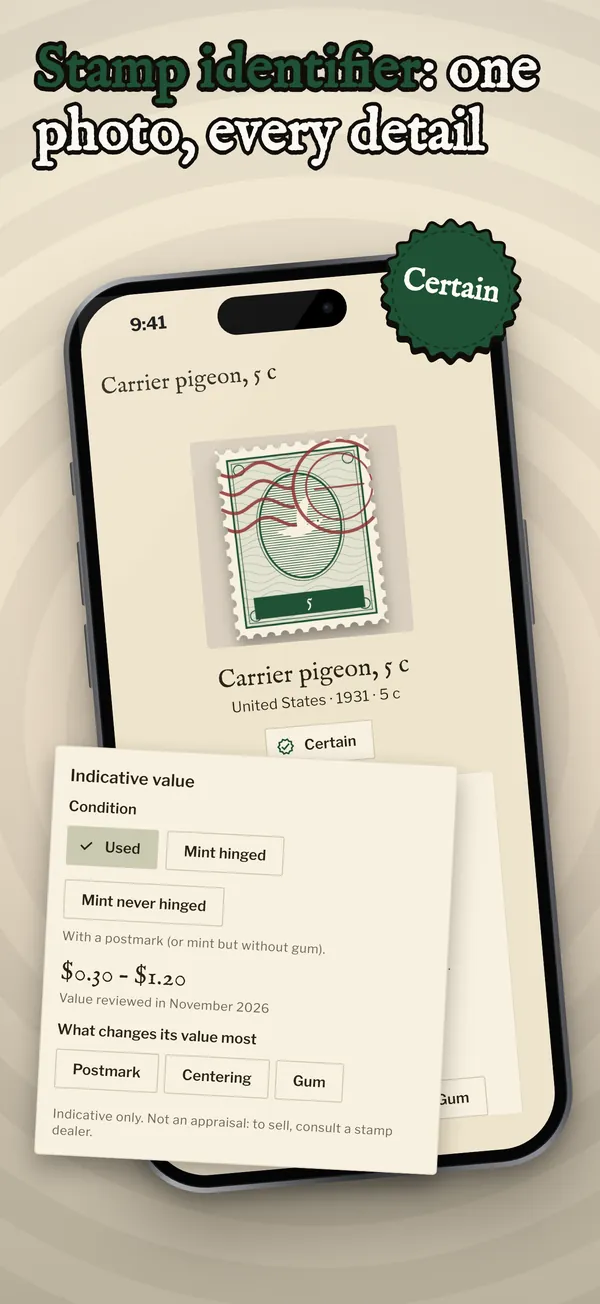
You point the camera at a stamp, or pick a photo from your gallery, and the app crops it and identifies it. The result card shows:
- country, year and face value;
- the design or series, the color and the perforation (perforated, imperforate or rouletted);
- the print run, when it's known, and a short history;
- an indicative value for each condition: used, mint hinged and mint never hinged;
- the date that value was last reviewed, in your phone's currency.
If the photo isn't a stamp, it says "This does not look like a stamp." and the scan isn't counted.
Why a range for each condition, not one price?
Because condition moves the price more than anything else. The same stamp can be worth several times more with full original gum than with a heavy cancel across the design. So the app asks you four quick questions, with drawings: is there a postmark, is it light or heavy, is it centered with all its perfs, and what does the back look like. Each answer nudges the value within the range and the app tells you why. Our article on how to tell if a stamp is valuable explains what a dealer looks at.
Will it give me the same value if I scan it again?
This is the complaint we read most about stamp apps: scan the same stamp twice and get two very different numbers. It happens when an AI model is asked to come up with a value on every photo.
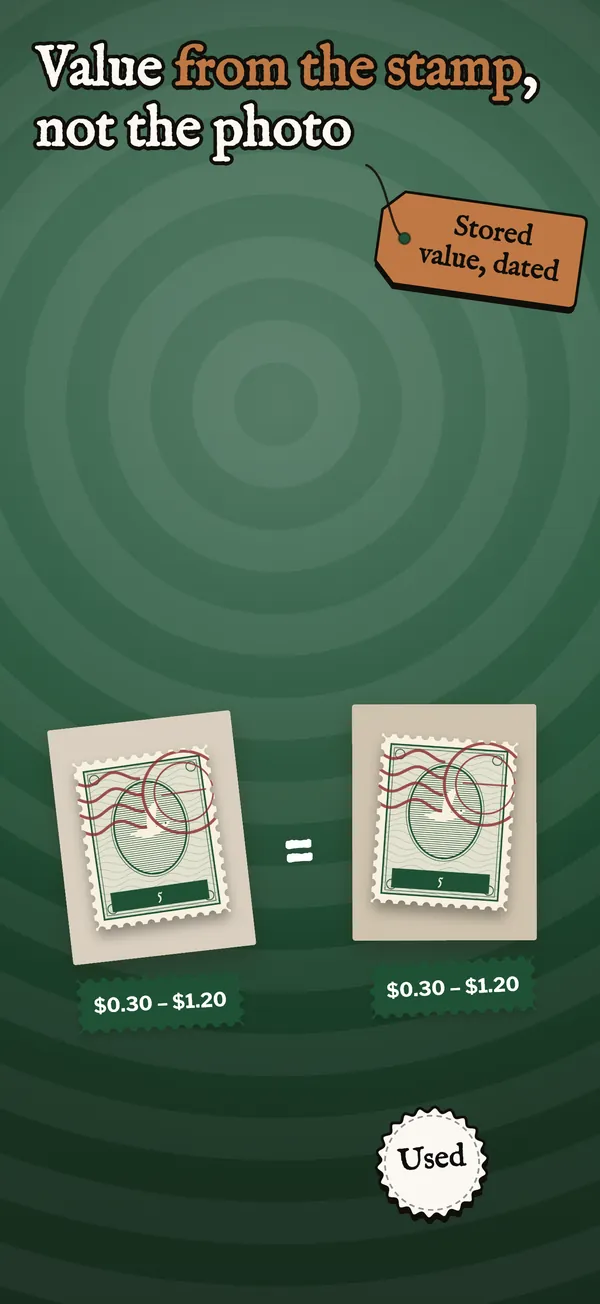
In ours, the AI only identifies the stamp. The value range for each condition is stored for that stamp, with its review date, and only changes in scheduled reviews, at most once a quarter. Scan the same photo again and you get the same result, with a note that no scan was used.
What if it isn't sure?
Some stamps differ only in shade, perforation or an overprint, and a photo can't always tell them apart. The result shows how sure the app is, in words: "Certain", "Likely" or "We don't know". When it isn't sure, it shows three candidates so you can pick yours or correct it by hand, and the scan isn't used until you choose. For anything that might be expensive, have an expert confirm it.
Can I keep track of a whole collection?
Yes. Every stamp you confirm goes into your collection with your own photo, stored on your phone. You can set how many copies you have, sort and filter by country, year, value and condition, add your own catalog reference if you use one, and see an indicative total. The collection and history work offline. A free CSV export opens in any spreadsheet, and a "Search for similar sales" button opens a web search with the stamp's name if you want to see real sale prices.
How much does it cost, and how many scans are free?
Free, with no ads and no expiry: 3 stamps a day with the full card and value, plus the collection, history, condition guide and CSV. A counter above the shutter shows how many you have left before you use one. Nothing free is blurred or locked.
If you have more to do:
- Full Collection: $19.99 a year with a 3-day free trial, or $3.99 a month. Scans without a visible daily limit, a whole album page in one photo, a PDF report with photos and the watermark step in the condition guide.
- 150-stamp pack: $9.99, paid once, no subscription, with the album page and the PDF. It's meant for valuing an inherited collection in one go. It belongs to the phone that bought it; if you delete the app, it can't be restored.
Is it a valuation I can use to sell or for an estate?
No. Under every value the app says it's indicative, not an appraisal, and that a stamp dealer is the person to ask before selling. If you're dealing with a whole collection, our guide on what to do with an inherited stamp collection covers appraisals and selling.
What doesn't it do?
- It doesn't buy or sell stamps, and there's no marketplace inside.
- It doesn't show commercial catalog numbers, which are copyrighted; it uses country, year, face value and series, and you can add your own reference.
- It isn't always right. That's why it shows its confidence and the candidates.
- It isn't on iPhone yet: today it's on Google Play only.
What happens to my photo?
The full photo stays on your phone. To identify the stamp, a cropped copy with no location data goes to our server, an AI provider analyzes it, and it isn't stored. There's no account, name or email.
If you're weighing it against other apps, we compared them, flaws of ours included, in the best stamp identifier app. The app page has the rest.