Works from the lock screen
While a session is running, the button sits on the lock screen and in the Dynamic Island on iPhone, or in an ongoing notification on Android. There's a home screen widget as well. No unlocking, no hunting for the app.
Tap once when a contraction starts and again when it ends. The app works out how long each one lasts, how far apart they are and your averages for the last hour, ready for when you ring your midwife or maternity unit.
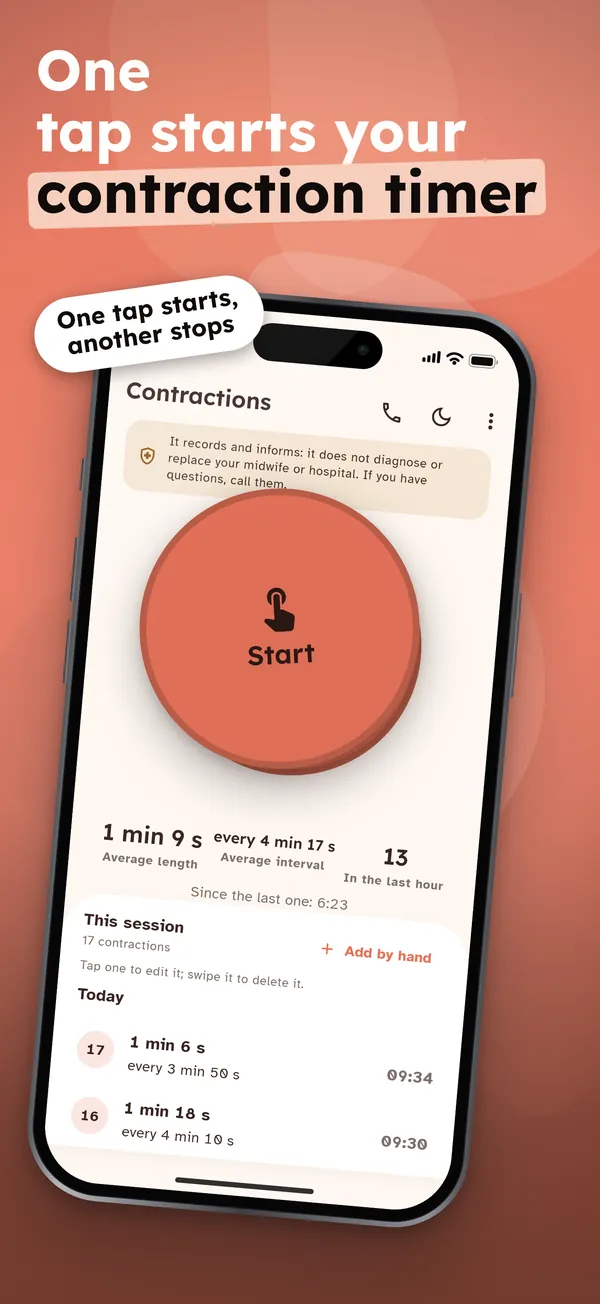
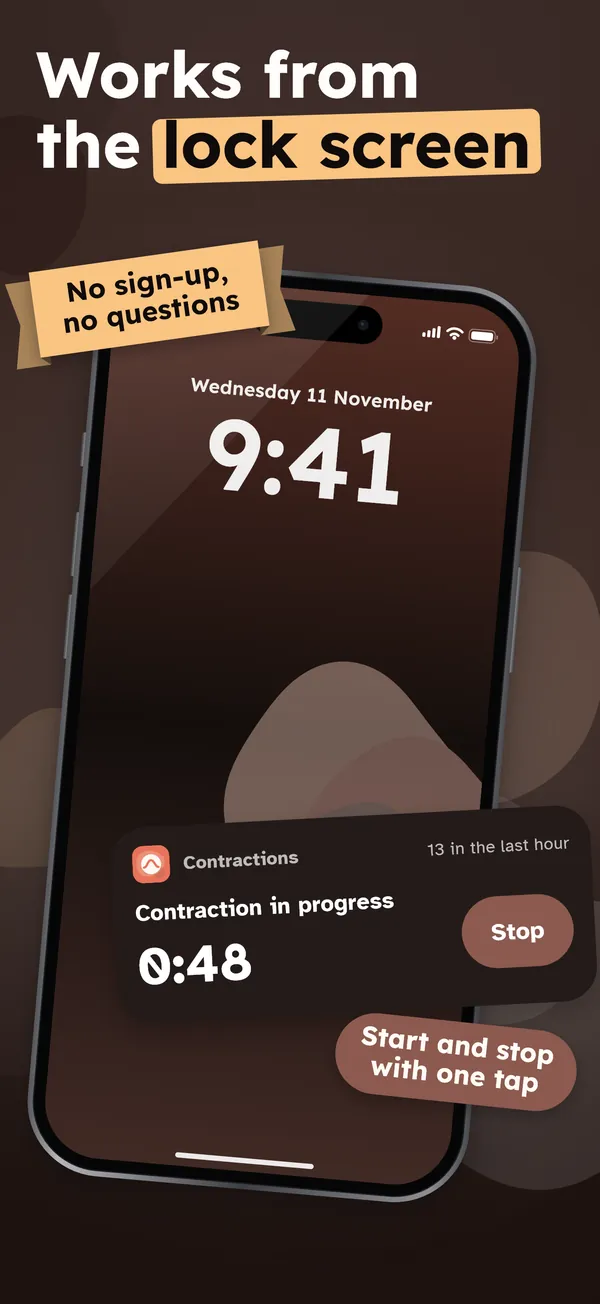
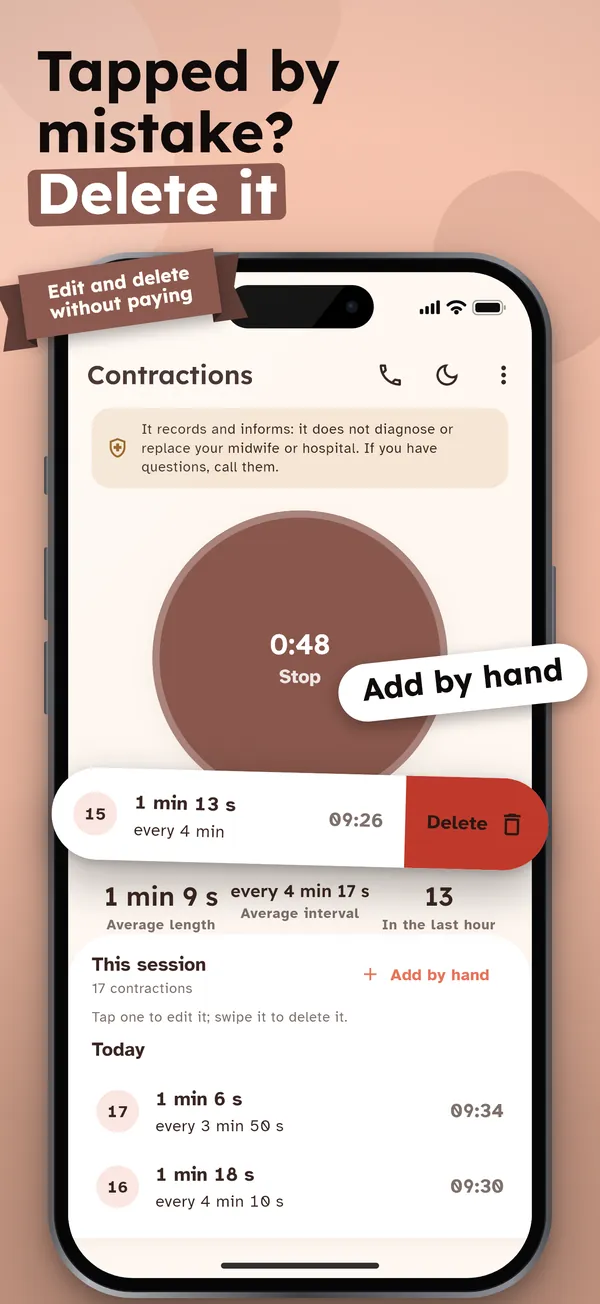
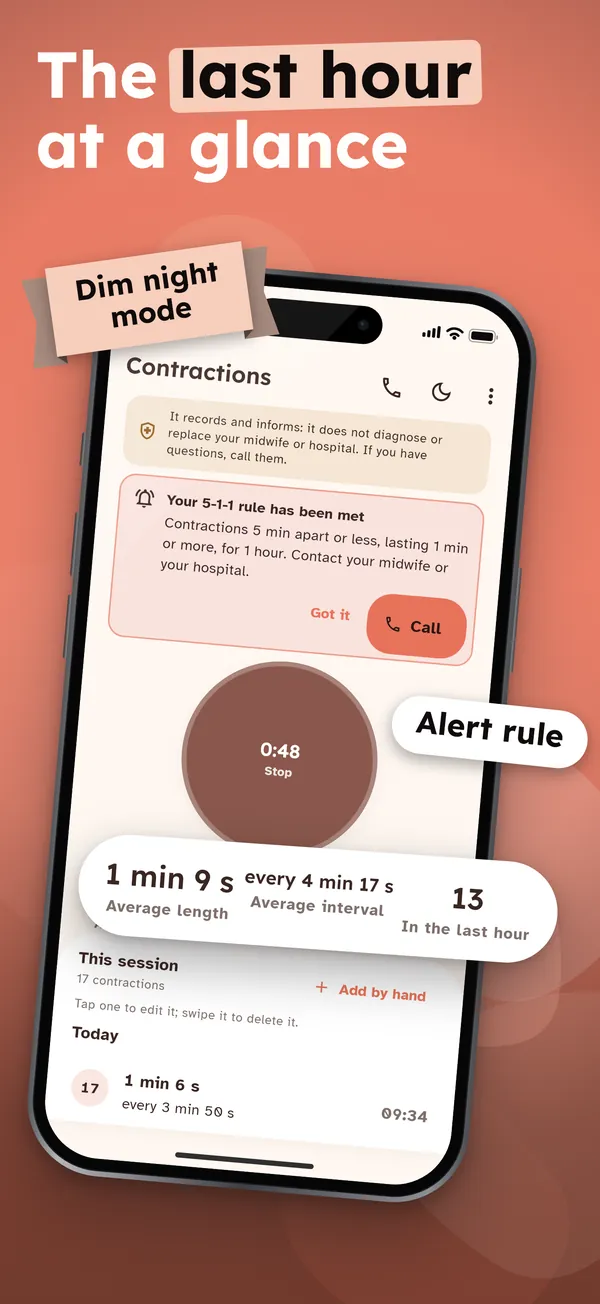
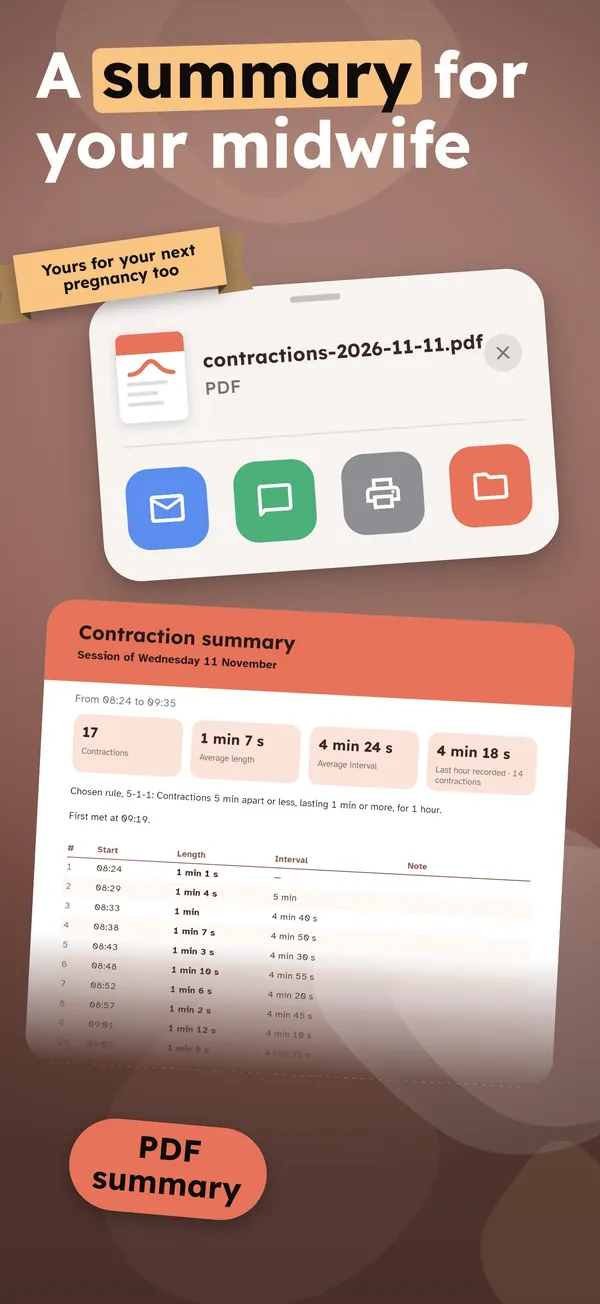
While a session is running, the button sits on the lock screen and in the Dynamic Island on iPhone, or in an ongoing notification on Android. There's a home screen widget as well. No unlocking, no hunting for the app.
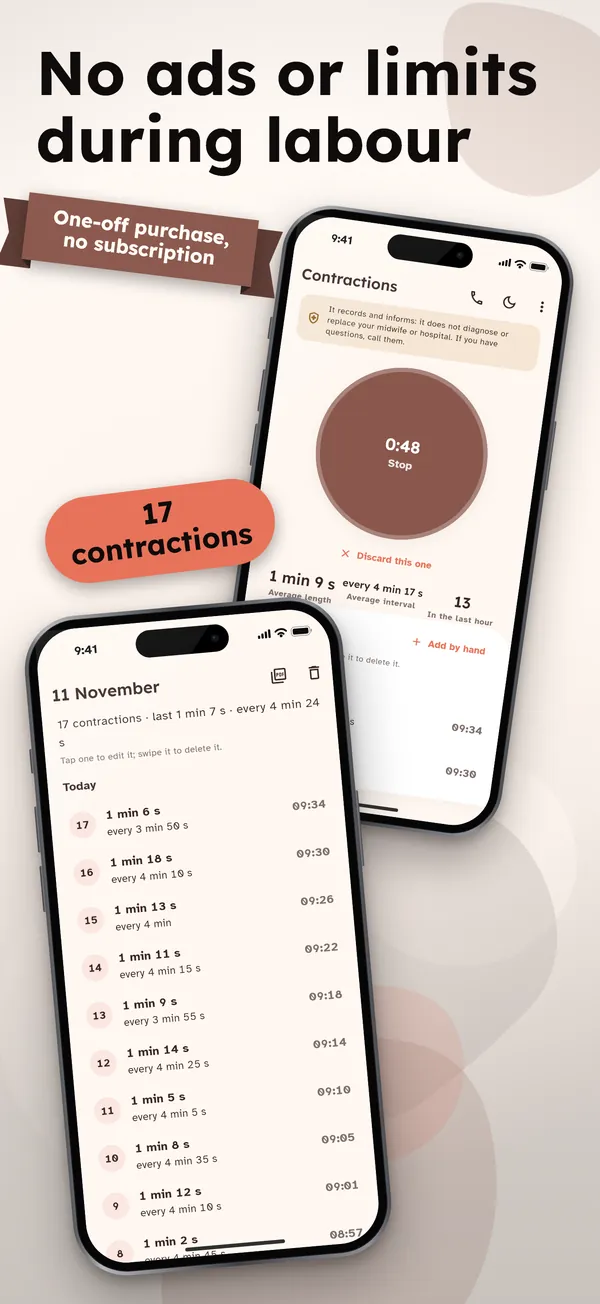
Swipe to delete a contraction, tap one to correct its time, or add one you missed by hand. Editing and deleting are free and unlimited, with no paywall halfway through labour.
When your contractions meet the rule you've set, the app lets you know once, quietly, and suggests you contact your midwife or maternity unit. It never says "false alarm" and never tells you when to go in.
No sign-up and no questions: it opens straight on the timer. Contractions, your bag list and the saved phone number never leave the device. Only purchases and anonymous usage and crash statistics do.
Everything you need in labour is free
Timing, frequency, editing, deleting, adding by hand, the lock screen button, the widget and the rule alert cost nothing, with no ads and no limits. A single one-off purchase adds past sessions, a PDF summary, your own alert rule and a hospital bag checklist.
Open the app: it starts on the timer, with no account and no set-up.
Tap the big button when a contraction starts and again when it ends. It keeps counting with the app closed or the phone locked.
Check the length, the frequency (start to start) and the last-hour averages, and ring your midwife or maternity unit with one tap.
Yes, everything you need in labour is free for good: unlimited timing, frequency, editing, deleting, adding by hand, the lock screen button, the widget and the rule alert. There are no ads. A one-off purchase, not a subscription, adds past sessions, the PDF summary, a custom alert rule and the hospital bag checklist.
Yes. It keeps counting in the background. While a session is running, iPhone shows the button on the lock screen and in the Dynamic Island, and Android shows it in an ongoing notification (it asks for notification permission). You can also add a home screen widget.
When your midwife or maternity unit told you to: the app doesn't decide that. It comes with the 5-1-1 rule (every 5 minutes or less, lasting 1 minute or more, for 1 hour) and can alert you once when it's met; with the purchase you can set 3-1-1, 4-1-1 or the rule you were given. Whatever the timer says, ring them straight away if your waters break, you bleed, you have a fever or strong pain that won't go away, you feel the baby move less, or anything worries you.
Yes, for free and without limits. Swipe a contraction to delete it, tap it to change its time or length, or add one you forgot to time. It counts towards the frequency and averages like the rest.
No. There's no account. Your contractions, the bag list and the saved phone number stay on your phone. Only the purchase (through the store) and anonymous usage and crash statistics leave it. You can make an encrypted backup with a password and keep it wherever you like.
Yes. The one-off purchase never expires: "Restore purchases" in Settings brings it back, on this phone or a new one with the same store account.
No. It records and informs: it shows how long your contractions last and how far apart they are, but it doesn't diagnose anything and doesn't replace your midwife, your GP or your maternity unit.
Questions or problems? Email soporte@ambarstudios.app and include the support code shown in the app's Settings. If you bought the full version and can't see it, tap Restore purchases in Settings, using the same store account.