Skip to content

A row counter that lives on your pattern

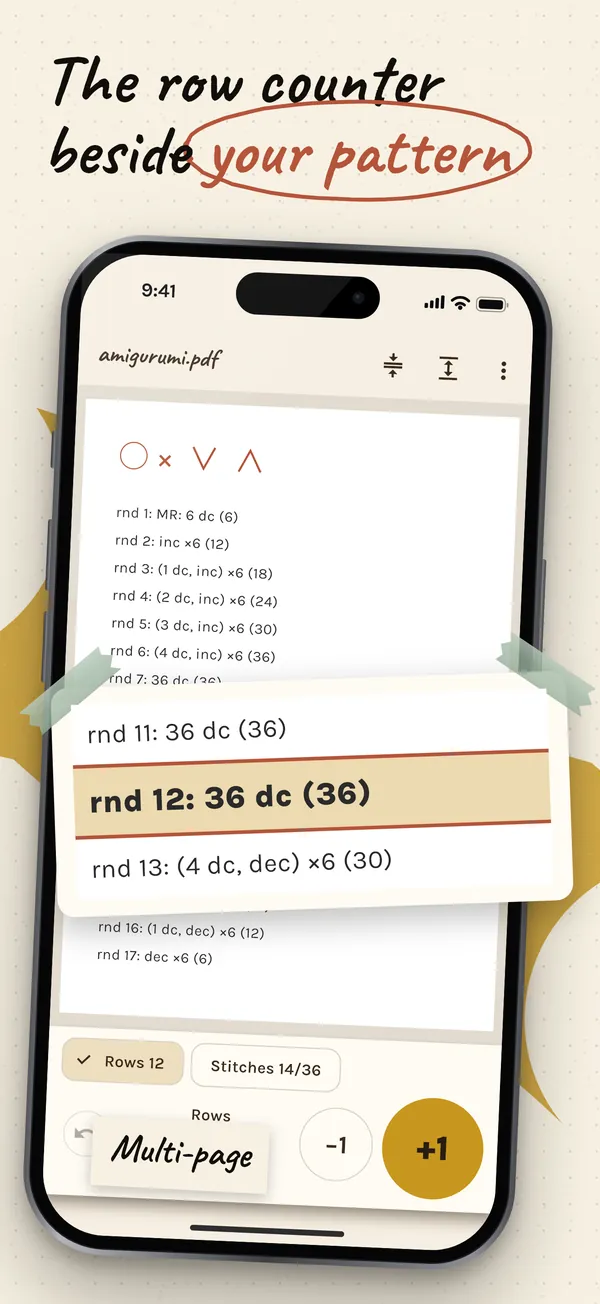
Whether it's a hook or a pair of needles in your hands, open the pattern you already have (a long PDF, a scan or a photo of a printed sheet) and keep the row counter right next to it. A coloured band sits on your current row and moves down each time you add one. Works offline, no sign-up.

See the app

Small fixes for every make

Your PDF, with a band on the row

Import a pattern from your files or photograph the printed sheet. Lengthy PDFs, big charts, scanned files and protected PDFs all open. Place the band on your row once; every +1 then nudges it down and every −1 nudges it back.

Count without letting go of the wool

On Android, volume up adds a row and volume down removes one, with no beep and no volume bar. It only counts while the counter or the pattern is open, so music and calls behave normally. With Premium, the count also shows on the lock screen with − and +.

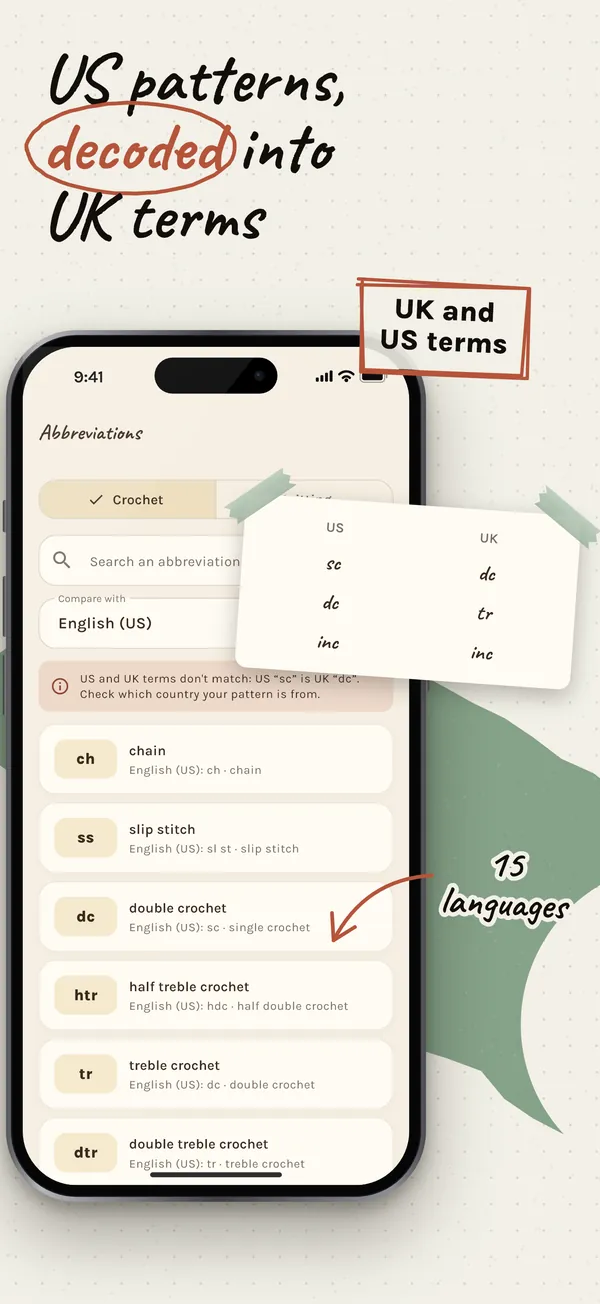
US patterns in UK terms

The glossary gives each crochet and knitting abbreviation in UK and US terms side by side, so you know an American single crochet (sc) is our double crochet (dc), and a treble is their double. No more frogging a whole row over a mix-up.

Repeats that add themselves

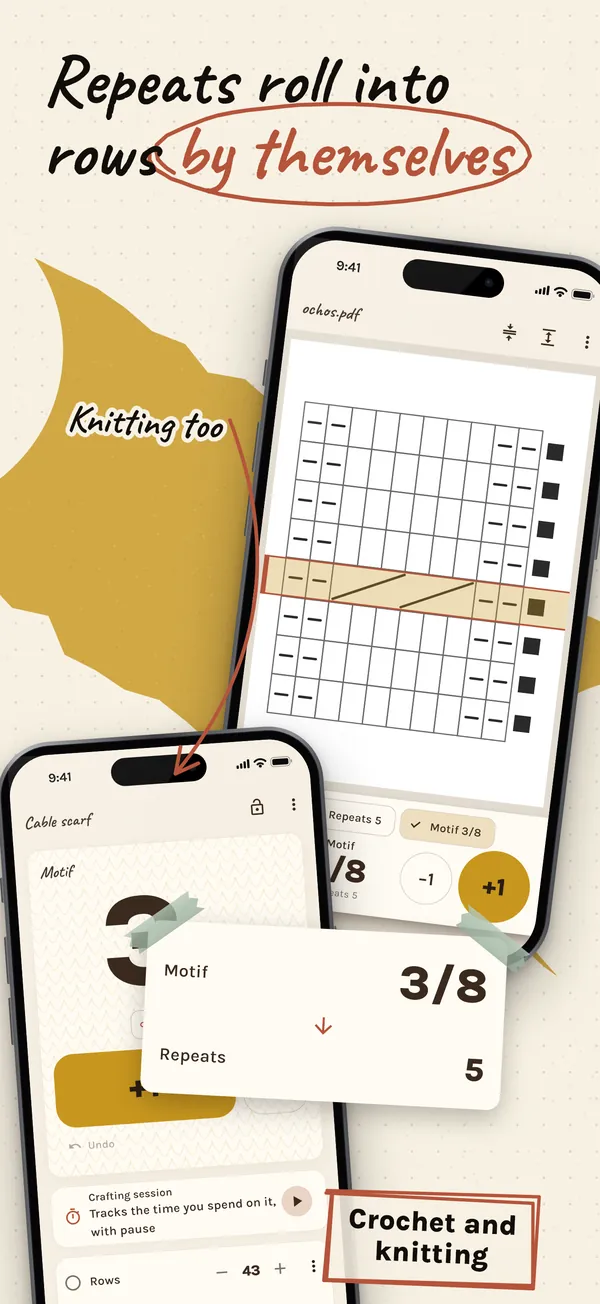
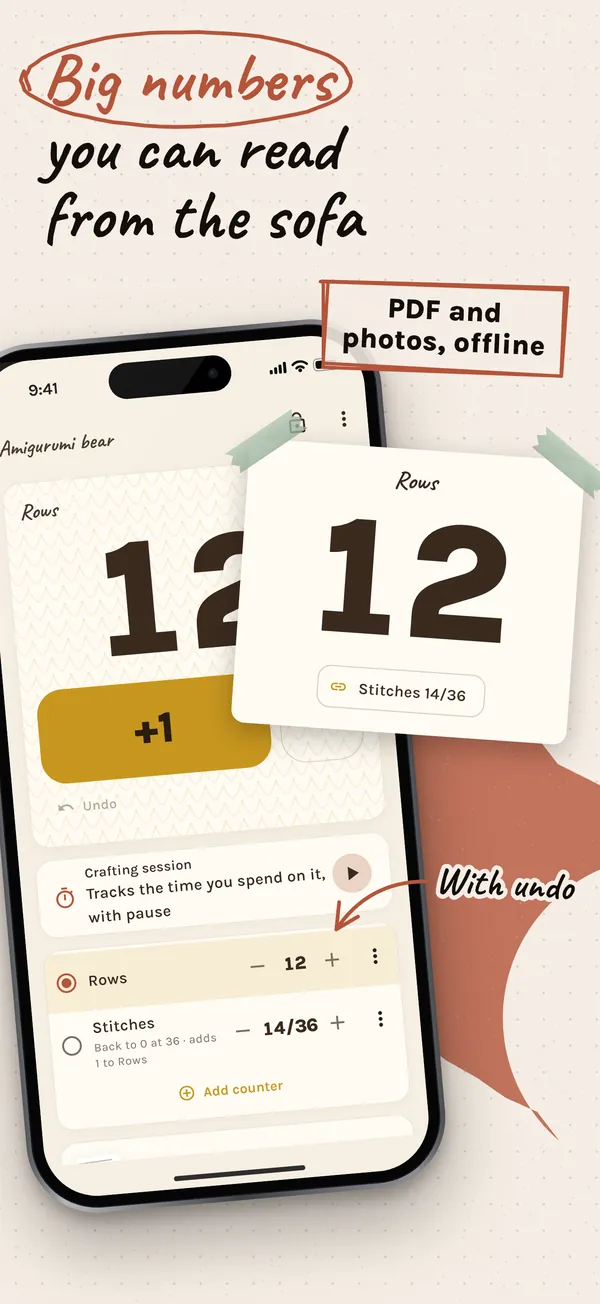
Set a limit on one counter and link it to another. When an amigurumi round reaches 36 stitches it drops back to 0 and adds a round; on a cabled scarf, every 8 rows adds one repeat.

Forgiving when you slip

Undo the last change, reset only once you've confirmed, and lock the counter while the phone sits on your knee. The number is large and high contrast, upright or sideways.

A whole make, start to finish, for nothing

One project with two linkable counters, the volume keys, your pattern with the row band, the pausable timer, the full glossary and backups are free and won't be trimmed in later versions. Premium adds unlimited projects and counters, the lock screen count and home screen widget, and photos of each make: yearly with a one-month trial and a reminder before the first payment, monthly, or a single lifetime purchase. No adverts whichever you choose.

How it works

  1. Add a make: crochet or knitting, hook or needle size, the wool and any notes.

  2. Open the pattern as a PDF or photo and put the band on the row you're on.

  3. Tap the big button or press volume up; add a stitch or repeat counter and link it when the pattern calls for one.

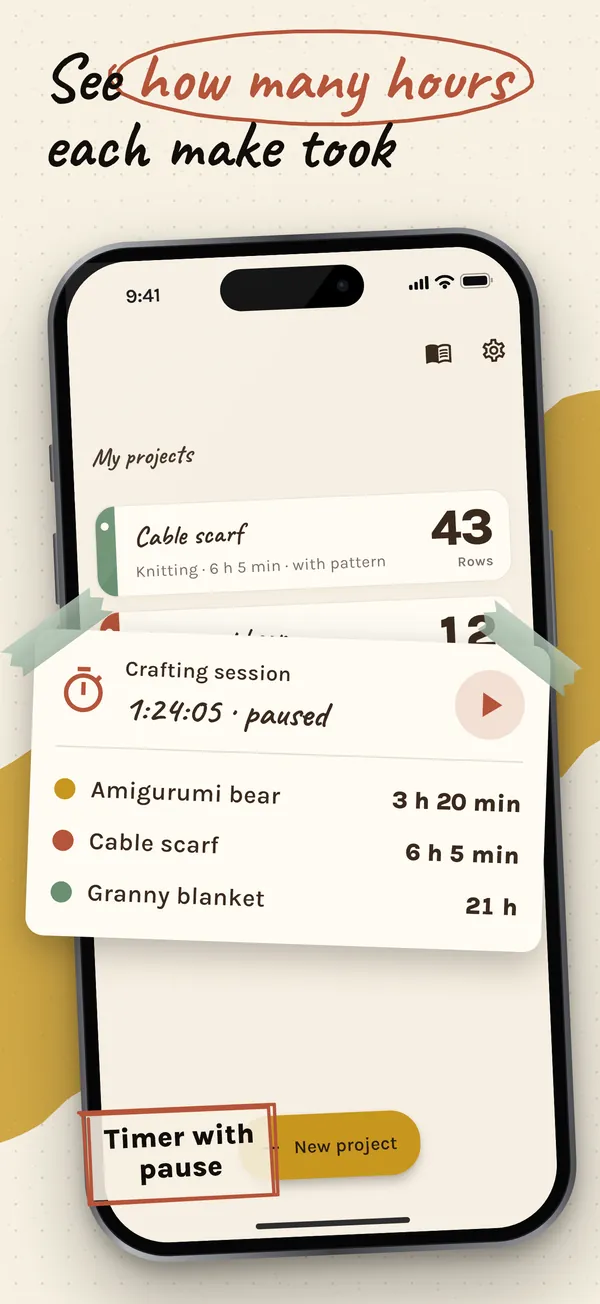
  4. Pause the timer when you put it down. Next time it picks up on the very same row.

Frequently asked questions

How does the row counter keep up with my pattern?

Open the PDF or photo inside the project and put the band on your current row. Add a row and the band moves to the next line; take one off and it moves back. Turning the page of a long pattern doesn't lose your place.

Is it a crochet counter, a knitting counter or both?

Both, equally. Each project is set to crochet or knitting, with rounds or rows and its own glossary: k, p, k2tog, ssk and the rest for needles; ch, dc, tr and friends for the hook.

Do the volume buttons really count rows?

On Android, yes: with the counter or pattern on screen, volume up adds and volume down subtracts. Anywhere else they work as usual. The app isn't on the App Store yet.

Are there patterns in the app, or AI-made ones?

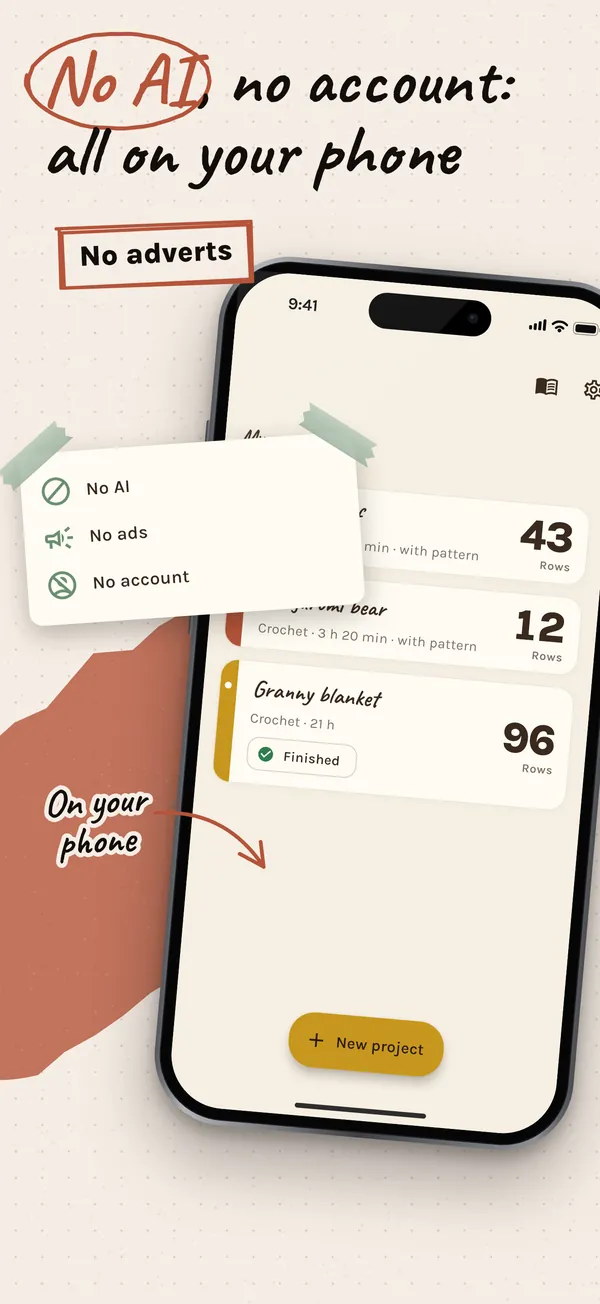
No. Nothing is generated with AI, and the app doesn't include patterns of its own for now. It opens yours: bought, downloaded or photographed.

What do I get free, and what's in Premium?

Free for good: one project with two counters, volume keys, the pattern viewer with its band, timer, glossary and backup. Premium: unlimited projects and counters, the lock screen, the widget and photos. The trial is on the yearly plan, you get a reminder before the first payment, and you cancel in Google Play under Subscriptions.

Where are my makes and PDFs stored?

Only on your phone, with no account and no server of ours. Settings lets you export a backup of projects, counters, times and notes for a new phone; PDFs and photos aren't included, so hang on to the originals.

Does it need Wi-Fi or mobile data?

No. Counting, your imported patterns, the glossary and the timer all work offline. A connection is only needed to buy or restore Premium.

Support

Stuck, or something not right? Email soporte@ambarstudios.app with the support code shown in Settings. If you bought Premium and it's missing, tap Restore purchases in Settings with the same Google Play account.