Skip to content

Contact lenses changed right on time

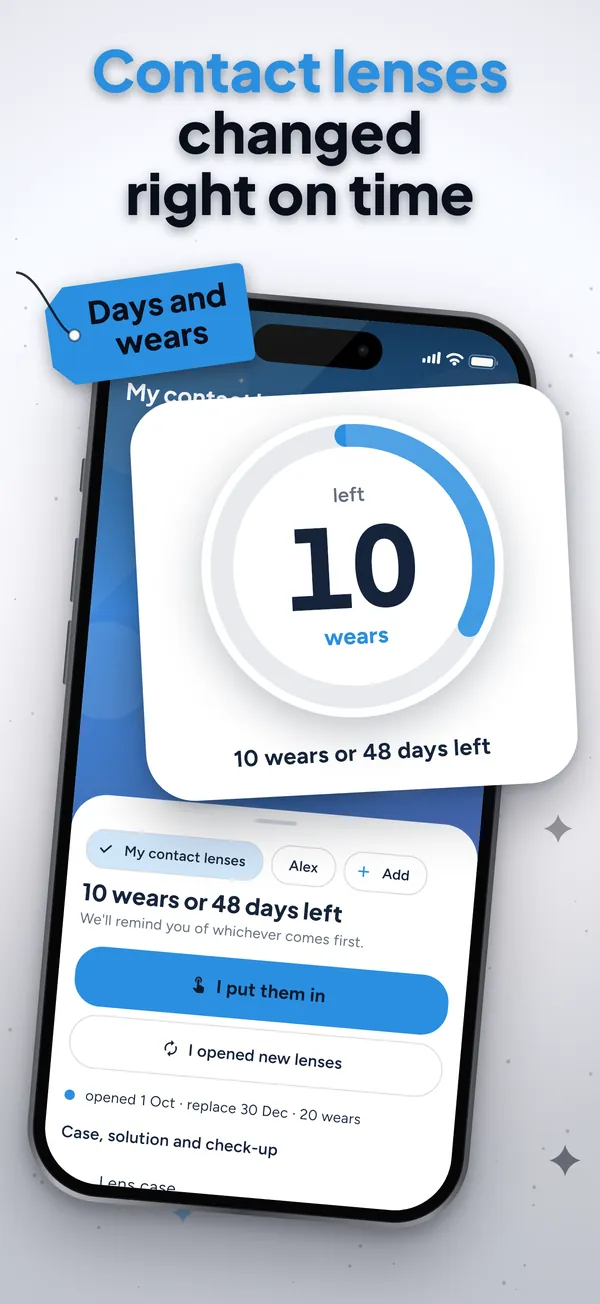
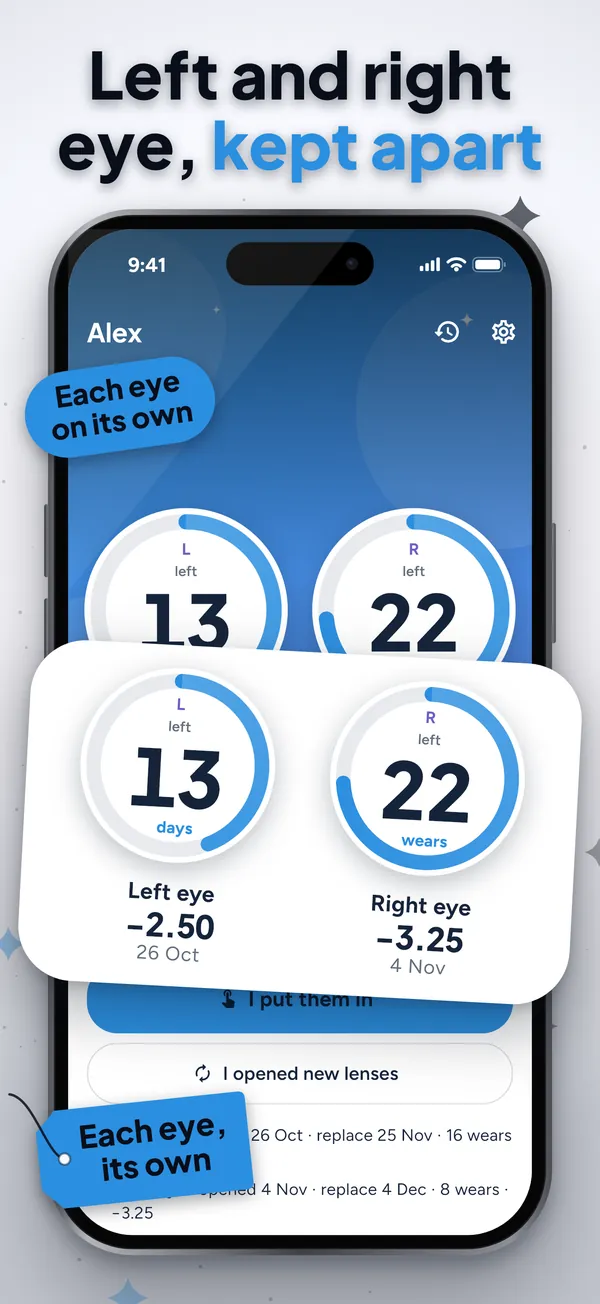
Keep track of your contact lenses with two counts at once: the days since you opened the pair, always on, and, if you like, every time you put them in. The app reminds you to replace them by whichever comes first, never later than your lens type allows. Log a wear straight from the reminder or the widget, without opening the app. Left and right eye kept apart, no account, no adverts.

Get it on Google PlayComing soon

See the app

Why this contact lenses tracker

Days and wears, whichever comes first

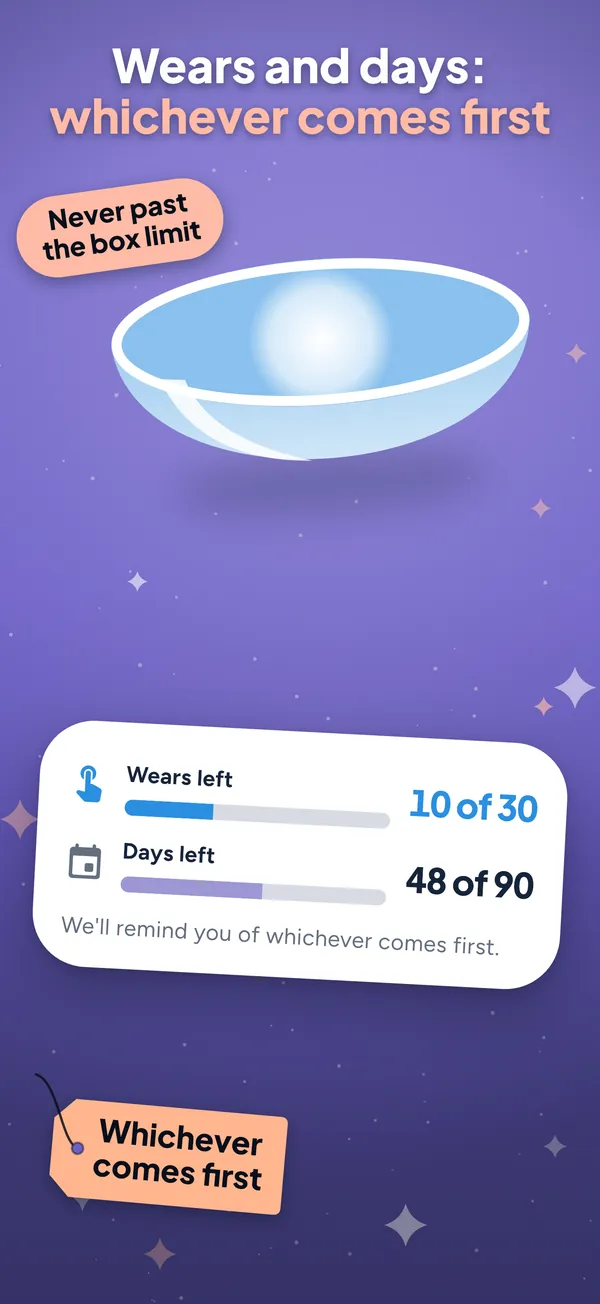
Most lens apps only count days. This one counts the days since opening (always on, with the limit for your lens type: dailies, fortnightly, monthlies or three-monthly) and, if you switch it on, how many times you've worn them. The ring shows what's left of the nearest limit, and the reminder turns up on time.

Log a wear without opening the app

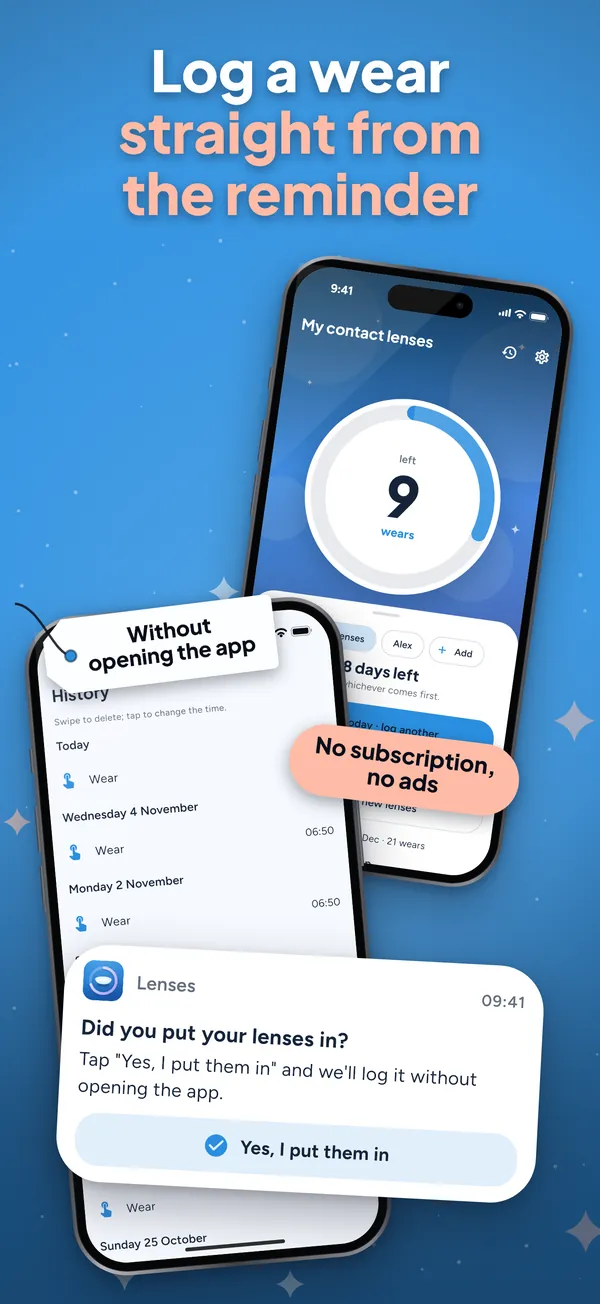
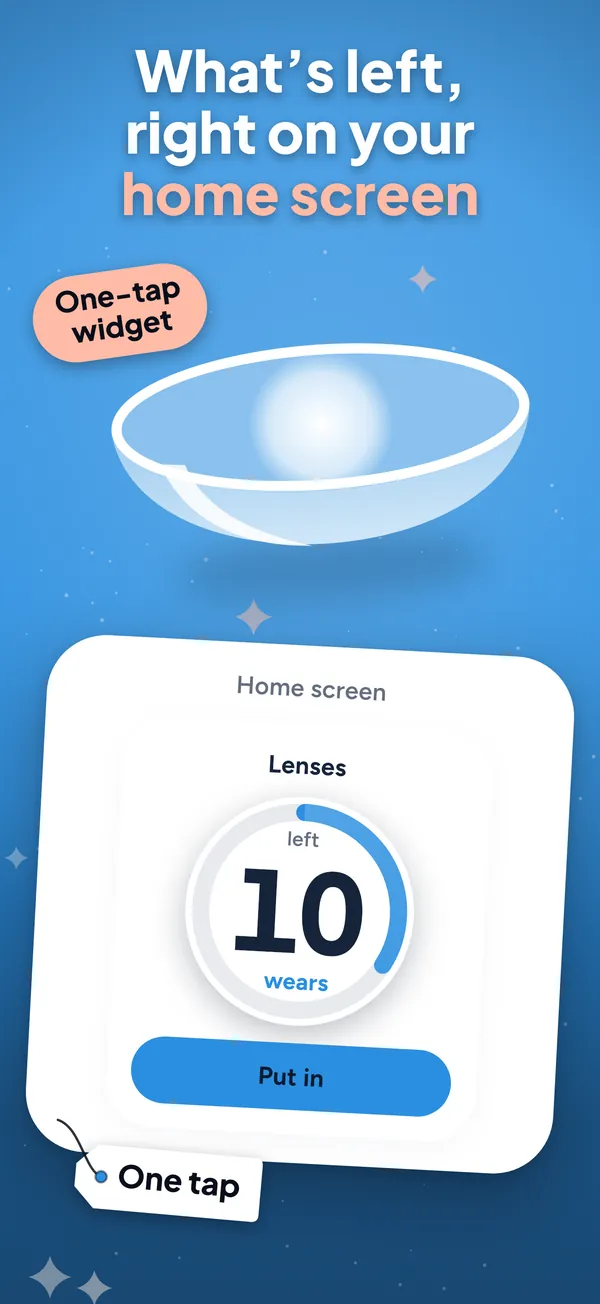
The daily reminder has a "Yes, I put them in" button, and the home screen widget shows how many are left with a one-tap button. Your log stays right even on rushed mornings. Got it wrong? Undo it or edit it in the history.

Reminders that turn up on time

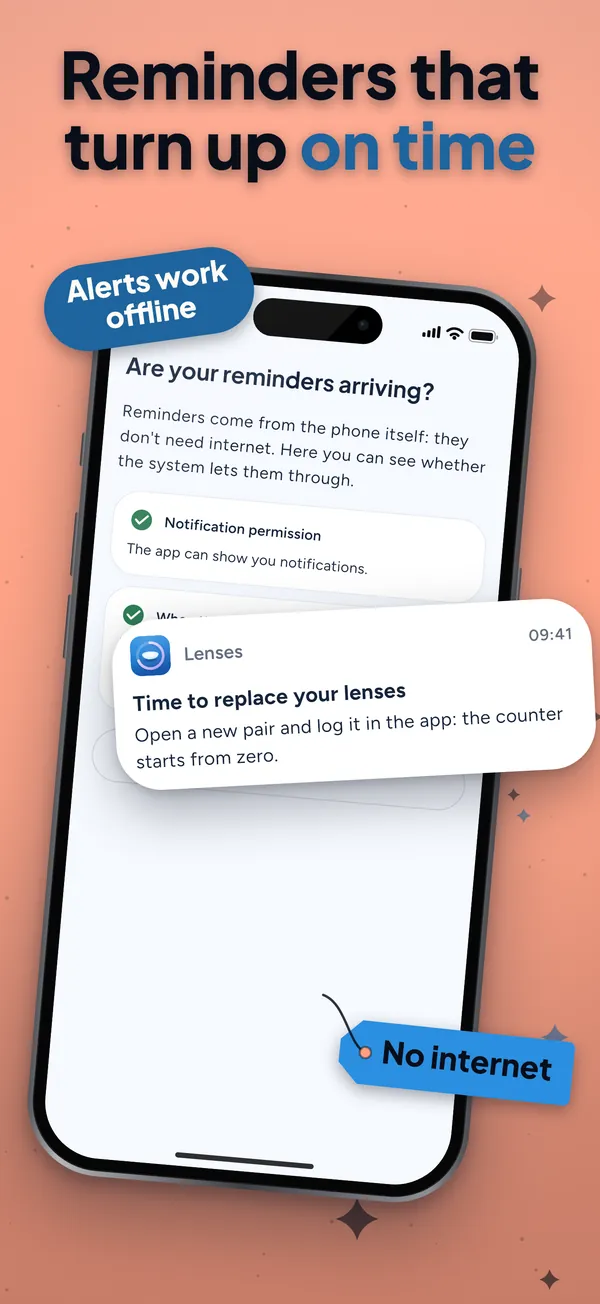
The most common complaint about lens apps is a replacement alert that never arrives. Ours are scheduled on the phone, rescheduled after a restart or a clock change, and Settings has "Try a reminder" so you can check they reach you. No internet needed.

Each eye, your case and your optician check-up

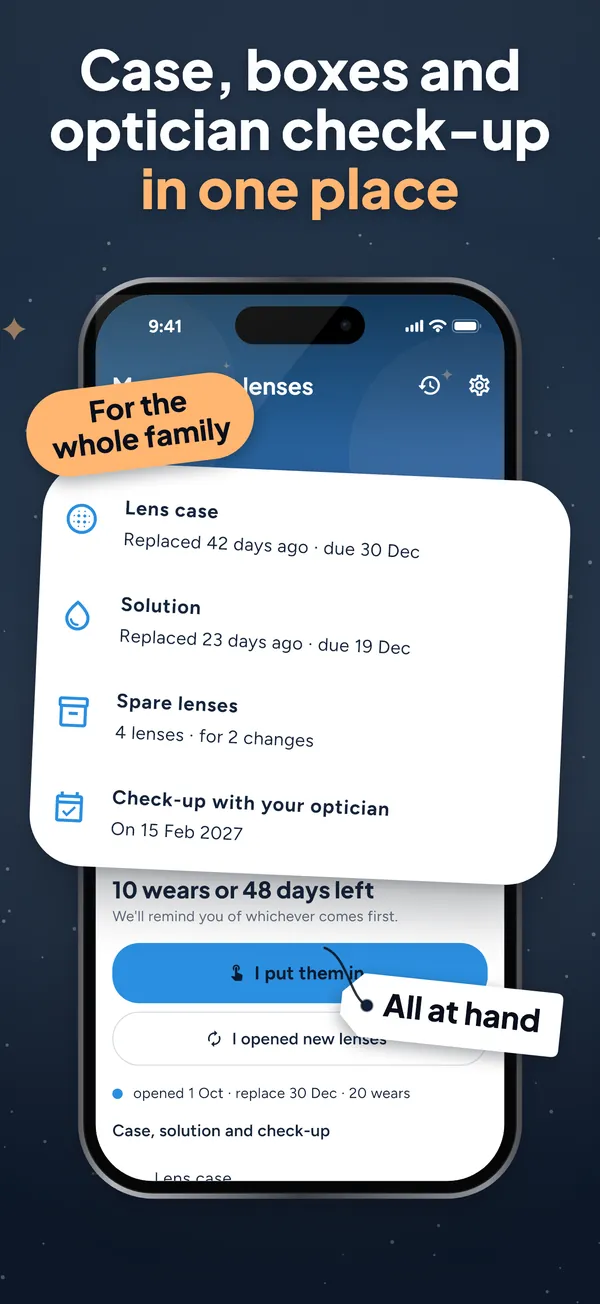
Left and right eye kept apart, with their prescription, free. With the one-off purchase: more pairs or family members, case and solution reminders, spare lenses with a reorder alert, your next optician check-up, statistics and CSV. Everything stays on your phone.

The essentials free, no subscription, no adverts

One pair with both limits, left and right eye, the daily reminder with its button, the replacement alert, the widget, history with undo and edit, and the encrypted backup are free, for good. A single one-off purchase (not a subscription, it never renews) adds more pairs or people, case and solution, spares, optician check-up, statistics and CSV. Your log is never locked, and your local price is shown before you pay.

How it works

  1. Choose your lens type (dailies, fortnightly, monthlies, three-monthly or other) and the day you opened the pair. The day limit comes from the type, and you can switch on a wear count too.

  2. Each morning, tap "I put them in" in the app, on the widget or in the reminder. The ring shows what's left, for each eye if you need it.

  3. When the days or the wears run out, whichever comes first, you get the replacement reminder. Open a new pair and the count starts again.

Frequently asked questions

How does this contact lenses tracker count?

It keeps the days since you opened the pair, always on and never longer than your lens type allows (1, 14, 30 or 90 days, or your own for other lenses). If you only wear them some days, switch on the wear count as well: the replacement reminder comes by whichever limit is reached first.

Is it free?

The essentials are free with no adverts: one pair with both limits, each eye, the daily reminder, the replacement alert, the widget, history and backup. A one-off purchase, not a subscription, adds more pairs or family members, case and solution, spares, optician check-up, statistics and CSV.

Can I log my lenses without opening the app?

Yes. The daily reminder has a "Yes, I put them in" button and the home screen widget has a one-tap button. Both log today's wear and update the count.

What if the reminders don't arrive?

Go to Settings, "Are your reminders arriving?": it checks notification permission and battery saving and lets you send a test reminder. Reminders are local, so they work without internet.

Does it tell me how long I can wear my lenses?

No. It never suggests wearing lenses for longer. It reminds you on time by the limit for your lens type or your wear count. Always follow the schedule on the box and your optician's advice; the app doesn't replace your eye test.

Where is my data kept?

Only on your phone: no account and no server of ours. Only your purchase and anonymous usage and crash statistics leave it, with nothing about your lenses. You can make an encrypted backup to move to a new phone.

Support

Questions or problems? Email soporte@ambarstudios.app and include the support code shown in the app's Settings. If you bought the full version and can't see it, tap Restore purchases in Settings, using the same store account.