
Skip to content

P7M reader for the signed files your phone shrugs at

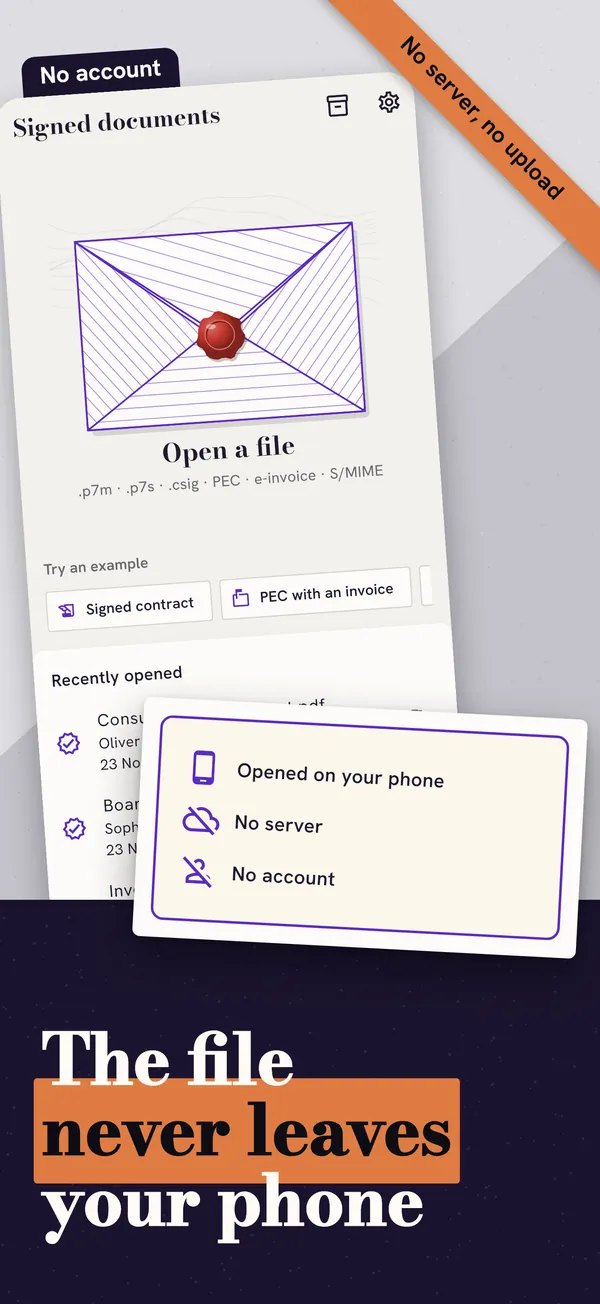
A supplier in Italy, a university in Germany, a law firm with signed email: sooner or later something arrives as .p7m, .p7s or smime.p7s and your phone can't show it. This app opens it on the spot. You read the whole document, see whose certificate signed it and which authority issued that certificate, and find out whether anything changed after signing. The file is read on the phone itself: there is no account, no server and no upload.

Get it on Google PlayComing soon

Version 1.0, line by line

Opens.p7m in CAdES (binary, BER or base64, up to 6 layers deep), .p7s and .csig with their document, .m7m, .tsd, .tsr, signed PDFs (PAdES) and .zip archives
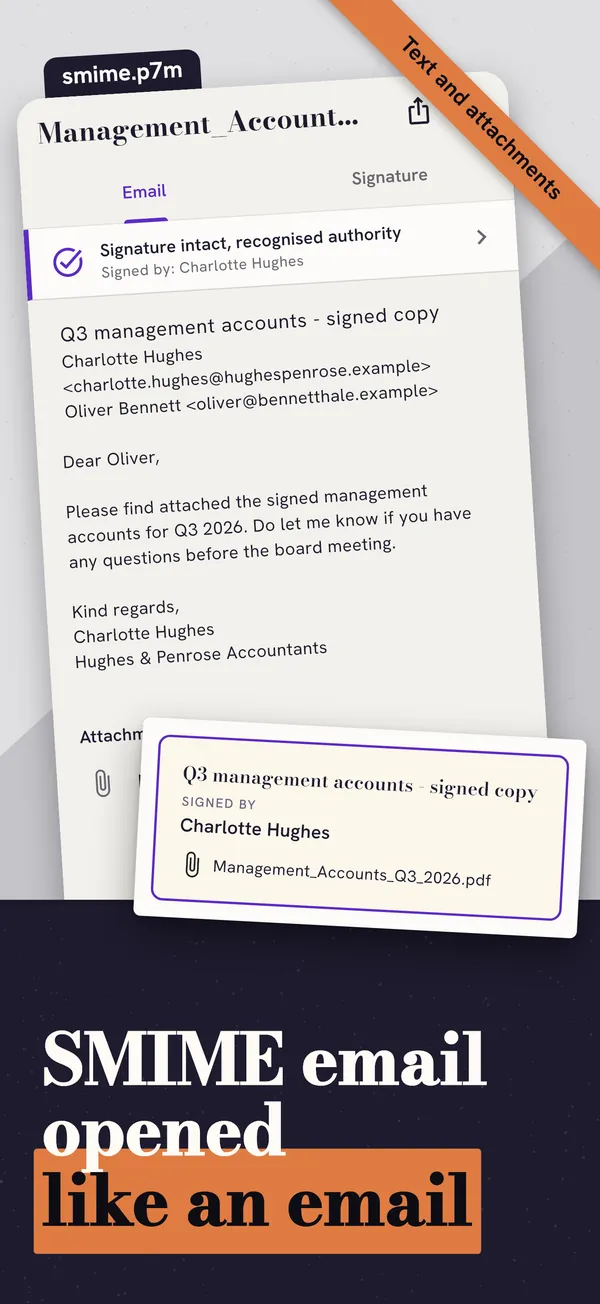
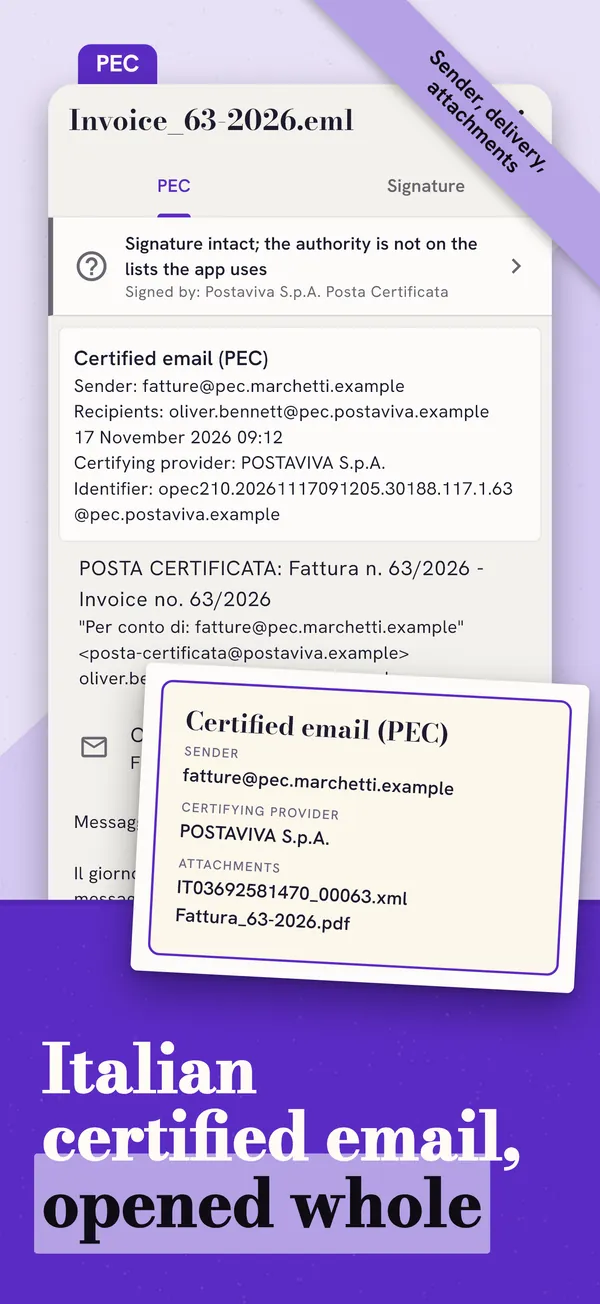
EmailSigned S/MIME messages (smime.p7m, smime.p7s) as an email with text and attachments; Italian certified email (PEC, .eml) with its delivery certificate, the provider's signature, the original message and the receipts
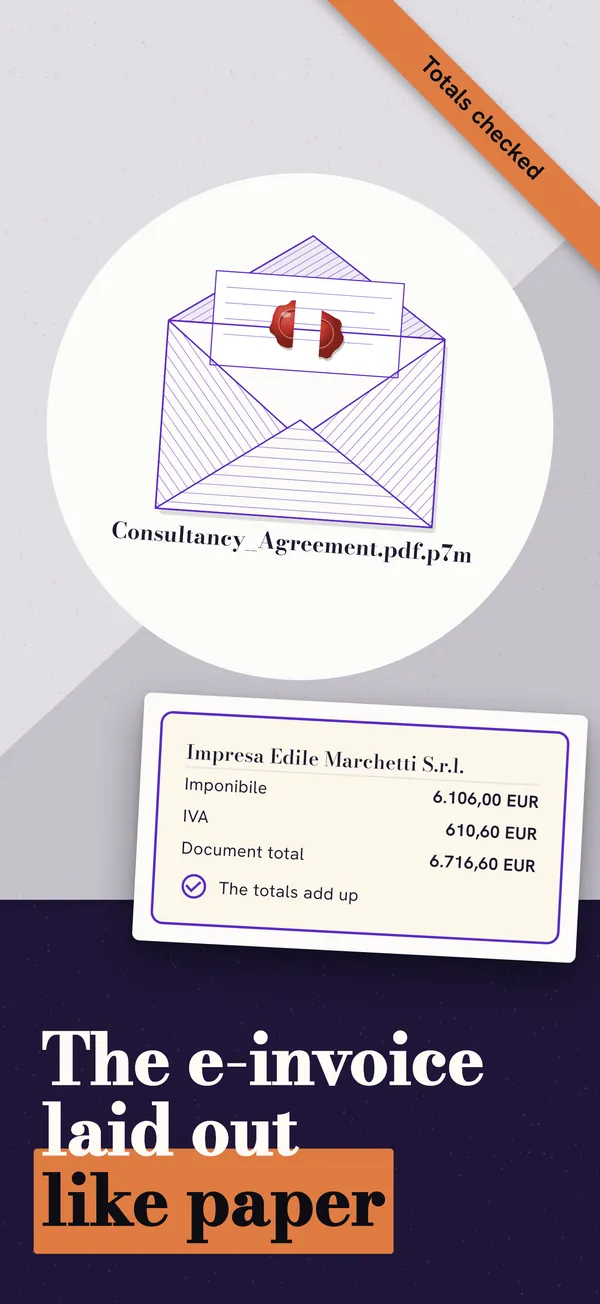
InvoicesItalian FatturaPA e-invoices laid out like paper, total checked: standard invoices, credit notes, batches, simplified invoices, attachments
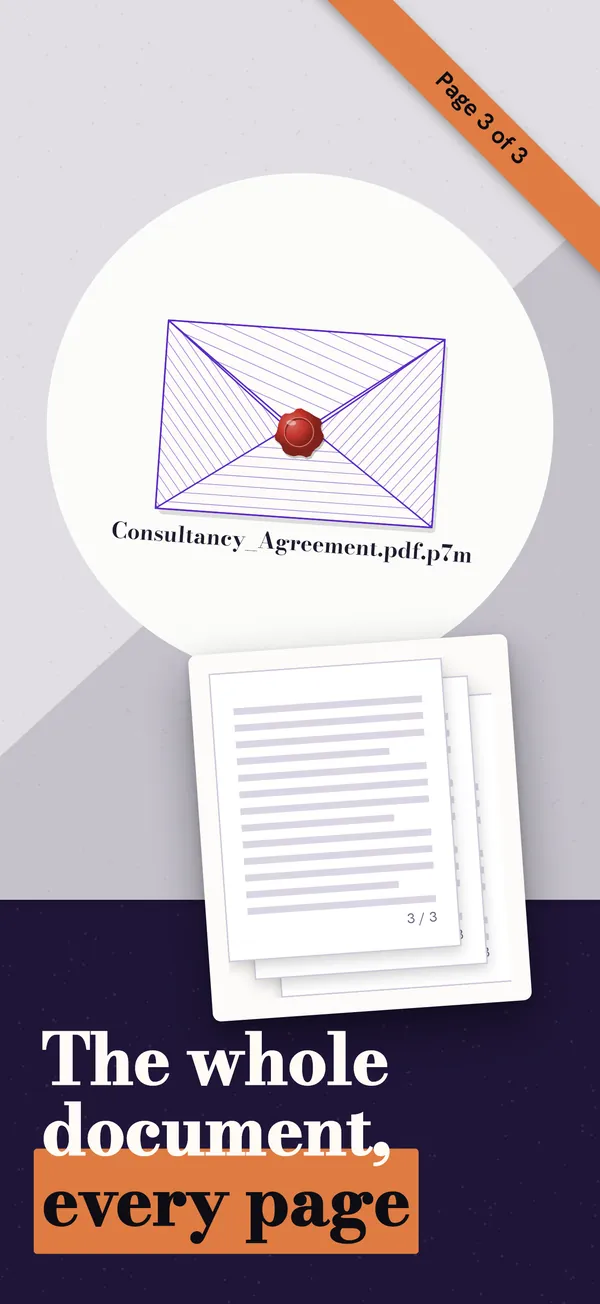
ReadingEvery page with zoom; the document inside can be saved or shared unchanged
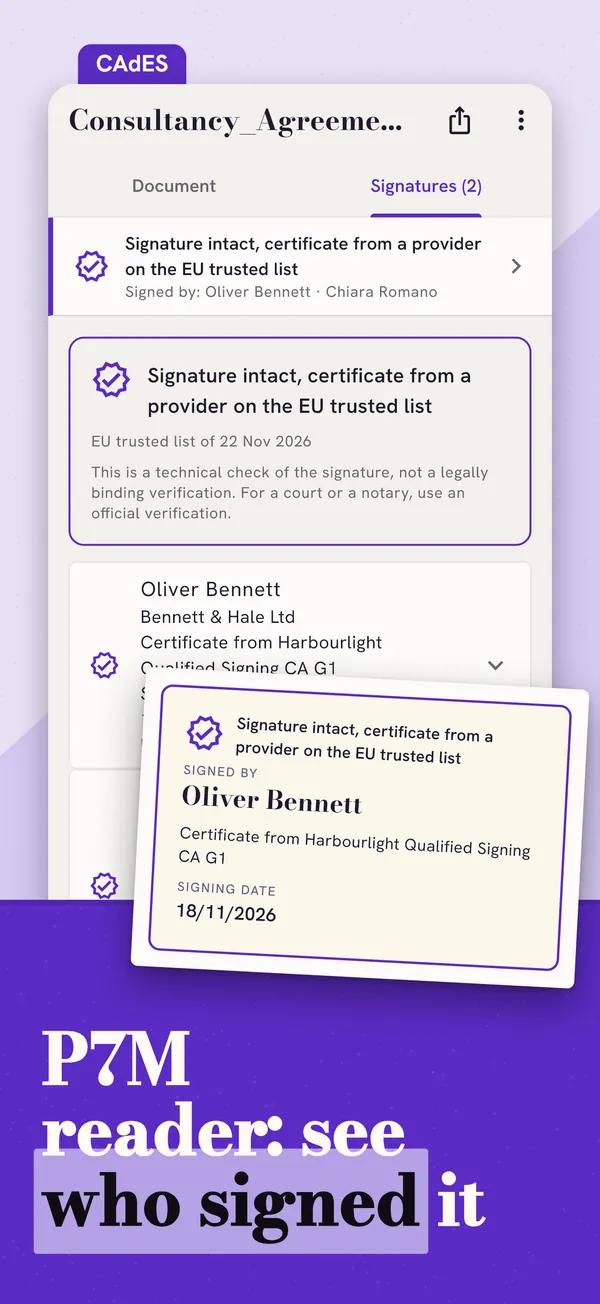
Signature panelSigner, issuing authority, date, and intact or changed since signing
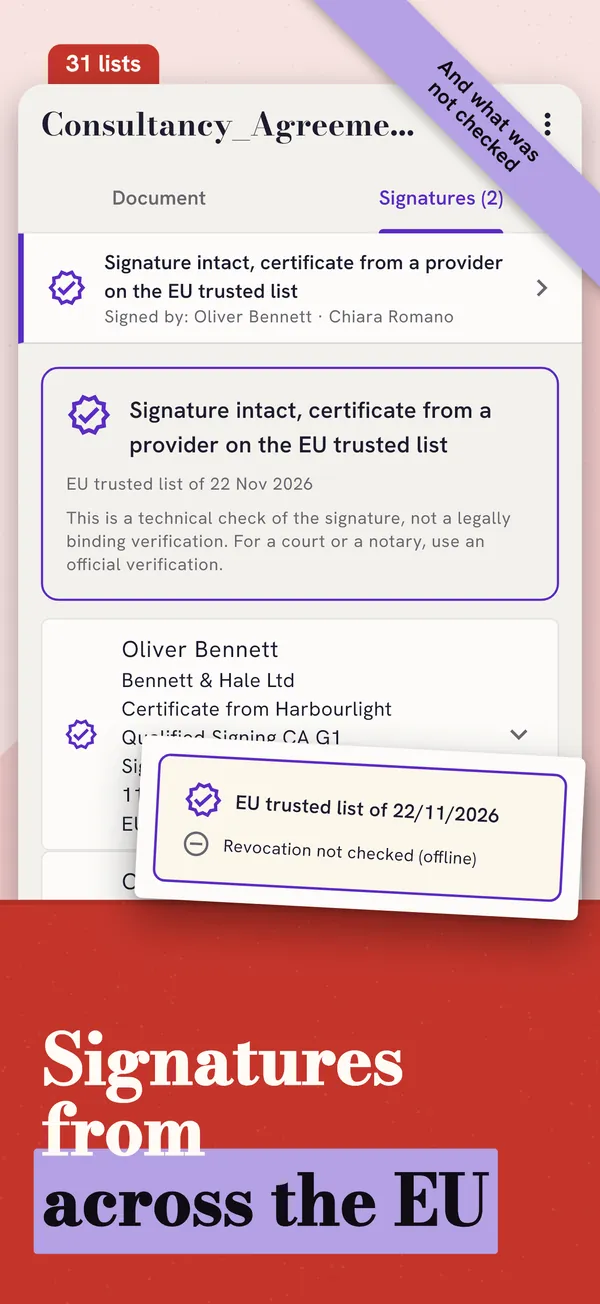
Trust sourcesThe EU trusted list (a dated copy inside the app, covering all member states), email certificate roots and ICP-Brasil
Left uncheckedCertificate revocation, which is not looked up online; each result says so
How files arriveOpen with or Share from mail and file manager apps, or the system picker, with no storage permission
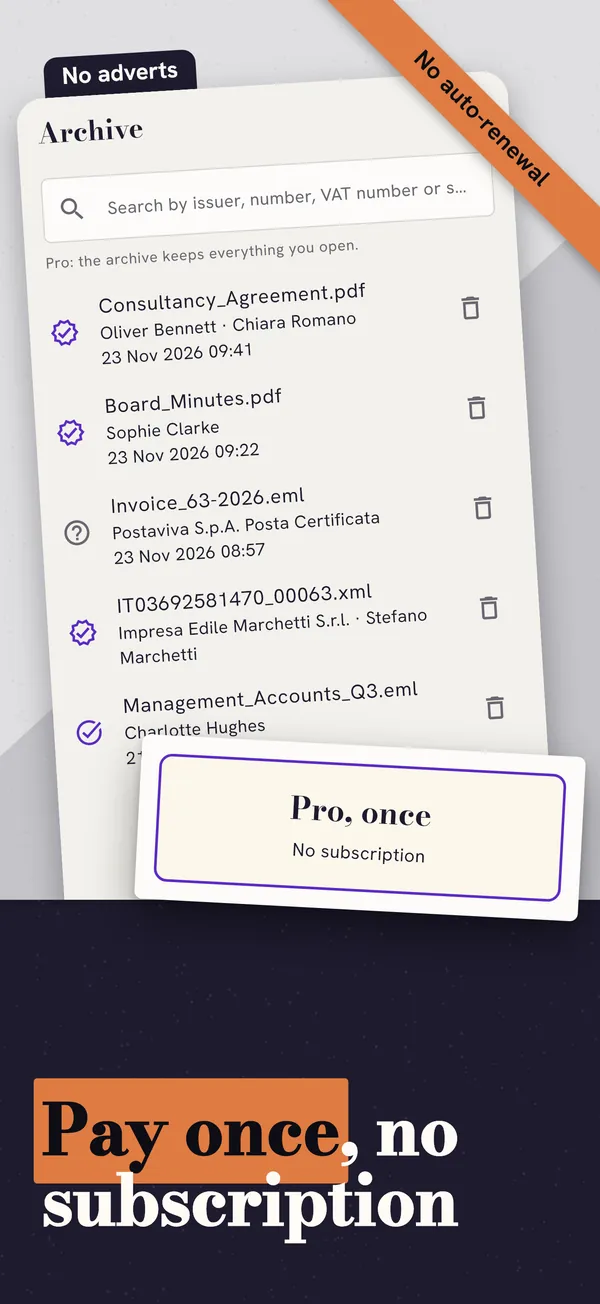
CostReading is free, unlimited and advert-free; Pro is a one-off purchase, not a subscription
Pro addsPDF invoice, PDF signature report, invoices as CSV, many files or a .zip at once, unlimited searchable archive
Available onAndroid, through Google Play; 13 interface languages

See the app

Six things it does with a signed file

It shows the document, not a preview of it

Every page of the PDF, with zoom, or the XML, image or text that was signed. Then save it or pass it on exactly as it came. A file signed more than once, encoded in base64 or BER, or renamed «report (1).pdf.p7m» by a second download opens just the same.

It says what it checked, and what it didn't

Signature intact, or document changed after signing: always in words, never just a colour. Below that, the signer, the authority and the date, and where that authority turned up: the EU trusted list in the copy dated inside the app, the email roots or ICP-Brasil. Revocation isn't looked up online, and every result tells you so.

It turns smime.p7s back into an email

Banks, solicitors and public bodies sign email with S/MIME, and many phones show the result as a lone attachment. As an SMIME P7S reader, the app rebuilds the message: text, the attachments you can open, and the certificate behind the signature.

It opens Italian certified email in one piece

Forward a PEC or save it as .eml and you get the receipt type, sender, recipients, send and delivery times, the provider's signature, and the original message with each attachment. Signed attachments open with a tap.

It reads an Italian invoice for you

A .xml or .xml.p7m FatturaPA becomes something that looks like an invoice: supplier and customer, lines, VAT, due dates and bank details, the codes written out, and the sum worked through. Credit notes, simplified invoices, batches and the PDF copy tucked inside are handled too.

It asks nothing of you

No sign-up, no storage permission and no server: files arrive through Open with, Share or the system picker and are read on the phone. Nothing is uploaded. A format the app can't read is named, so you know what you are dealing with.

Reading stays free. Pro is paid once.

Opening a file, reading every page, seeing who signed and saving the document inside are free and unlimited, with no adverts, and later versions won't take any of that away. Pro is for offices and anyone who receives these files by the dozen: the invoice and the signature report as PDFs, CSV export, several files or a .zip at once, and an archive with no cap and a search. You buy it once, the price appears in pounds before you confirm, and Restore purchase in Settings brings it back on a new phone.

How it works

  1. Open the email or folder where the signed file is and choose Open with or Share, then this app; or open the app and pick the file.

  2. Read the document on the Document tab. With a detached .p7s or .csig, choose the document when the app asks for it.

  3. Switch to the Signatures tab for the signer, the authority, the date and the trust source, plus what was not checked.

  4. Save or share the document inside. The 10 most recent files wait in the archive.

Frequently asked questions

What is a P7M file and how do I read it on a phone?

It is a document wrapped in a digital signature in the CAdES format, common in Italy and other EU countries. Open it with this P7M reader from your mail or file manager app and the document inside appears in full, along with who signed it.

Someone sent me smime.p7s. What is it?

It is the signature of an email signed with S/MIME, usually from a desktop mail program. Open it with the app and the email is rebuilt with its text and attachments, plus the signer's certificate.

What do I do with a .p7s that came with a separate PDF?

That is a detached signature. Open the .p7s, choose the PDF when asked, and the app checks the signature against that PDF. A .csig from Spain works the same way.

Is the result enough for a court?

No. The app runs a technical check: whether the document changed after signing, whether the signature matches its certificate, and whether the authority is on the EU trusted list, the email roots or ICP-Brasil. Revocation isn't checked online. It is a technical check, not a verification with legal value: for a court or a notary, use an official verification.

Can I open an Italian PEC email on my phone?

Yes, as an .eml file. You see the receipt type, sender, recipients, times, the provider's signature, and the original message with its attachments.

Is anything uploaded?

No. There is no server and no account; the file is read on the phone. On a computer, ambarstudios.app/p7m-files/open/ opens a .p7m in the browser without uploading it either.

What does it cost?

Reading is free, without limits or adverts. Pro is a single purchase for PDF invoices and reports, CSV export, opening several files or a .zip together and the unlimited archive with search. It is not a subscription and never renews.

Is it on iPhone?

Not yet. Version 1.0 is on Android through Google Play.

Support

Stuck with a file? Email soporte@ambarstudios.app, say what kind of file it is and what the app showed; you don't need to send the file. Paid for Pro and it isn't showing? Settings, then Restore purchase, signed in with the same Google Play account.