Skip to content

A subscription tracker that warns you before every direct debit

All your subscriptions and regular bills in one list, with a reminder days before each payment leaves your account, even if you never open the app. Add them from a screenshot read on your phone, from a catalogue or by hand. No bank login, no account, no ads. We don't cancel for you: we show you how, and keep the proof.

Download on the App StoreComing soonGet it on Google Play

See the app

Why this subscription tracker

One payment, or none at all

Another monthly fee to keep track of your monthly fees? Not here. Up to 7 subscriptions with every feature are free for good. Need more? A single purchase unlocks unlimited subscriptions, screenshots and charts. Nothing renews, there's nothing to cancel and your data is never locked.

Proof every time you cancel

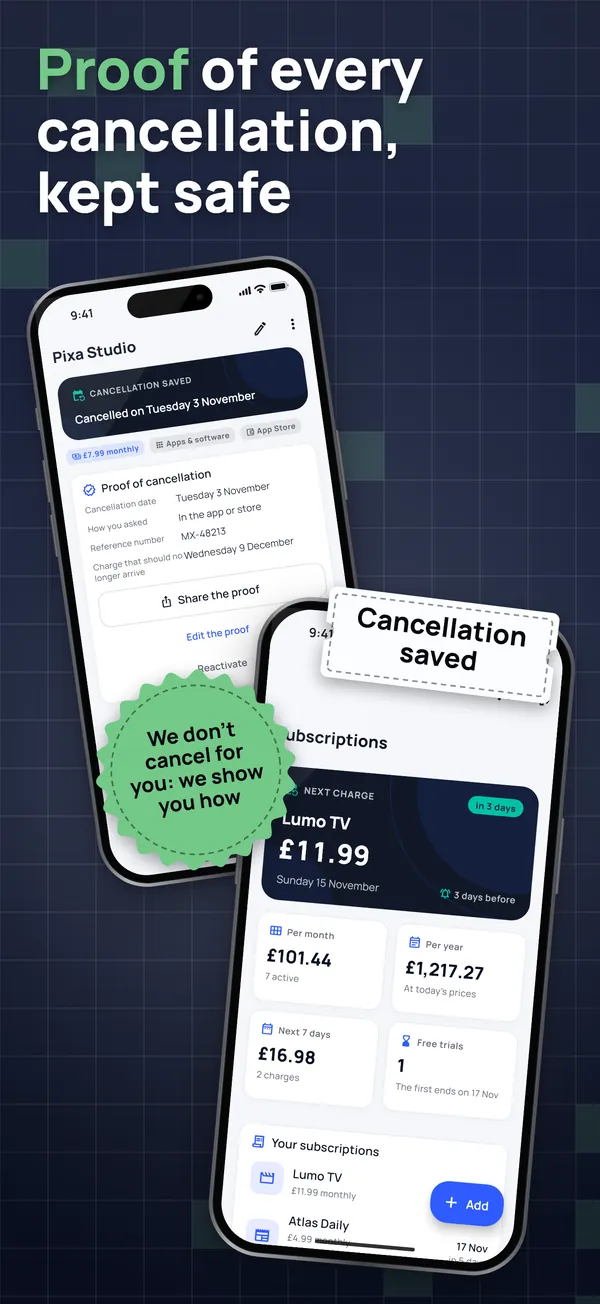
Tap "I've cancelled" and keep the date, how you cancelled, the reference number and a screenshot of the confirmation. On the day the next payment was due, the app asks: were you charged again? If so, it shows the usual steps to dispute it.

No bank login, no sign-up

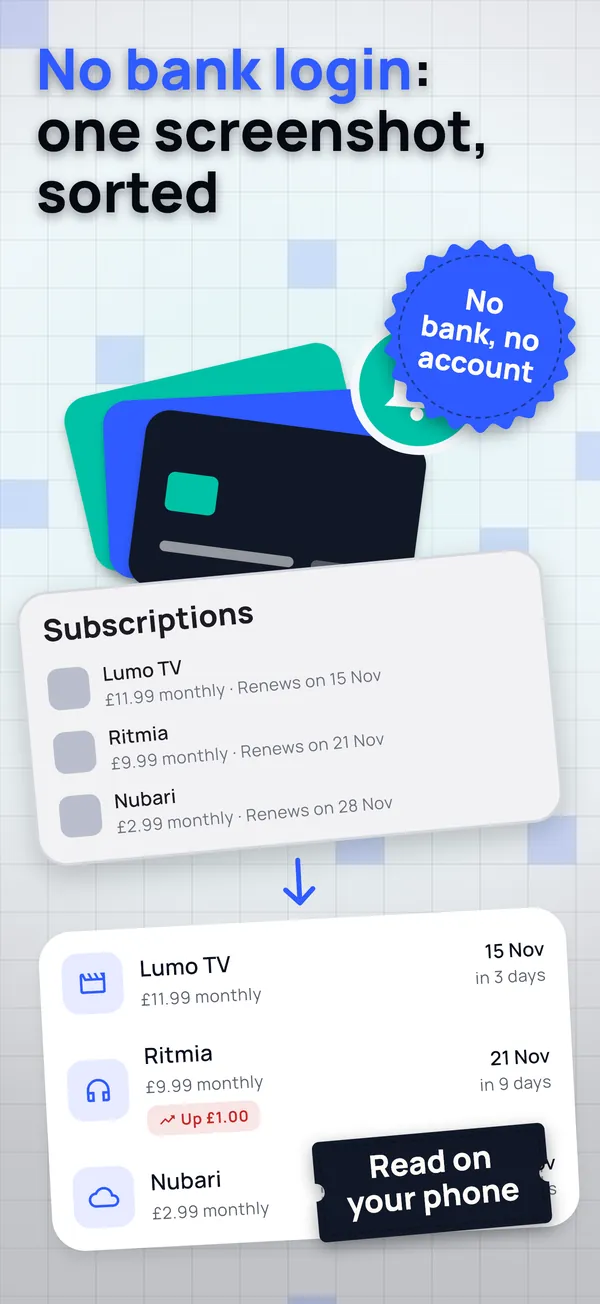
Screenshot your subscriptions list in Settings or Google Play, or a bank statement. It's read on your phone, you check each line and the image is deleted. No open banking connection that drops out, no access to your inbox, no account to create.

Reminders that turn up

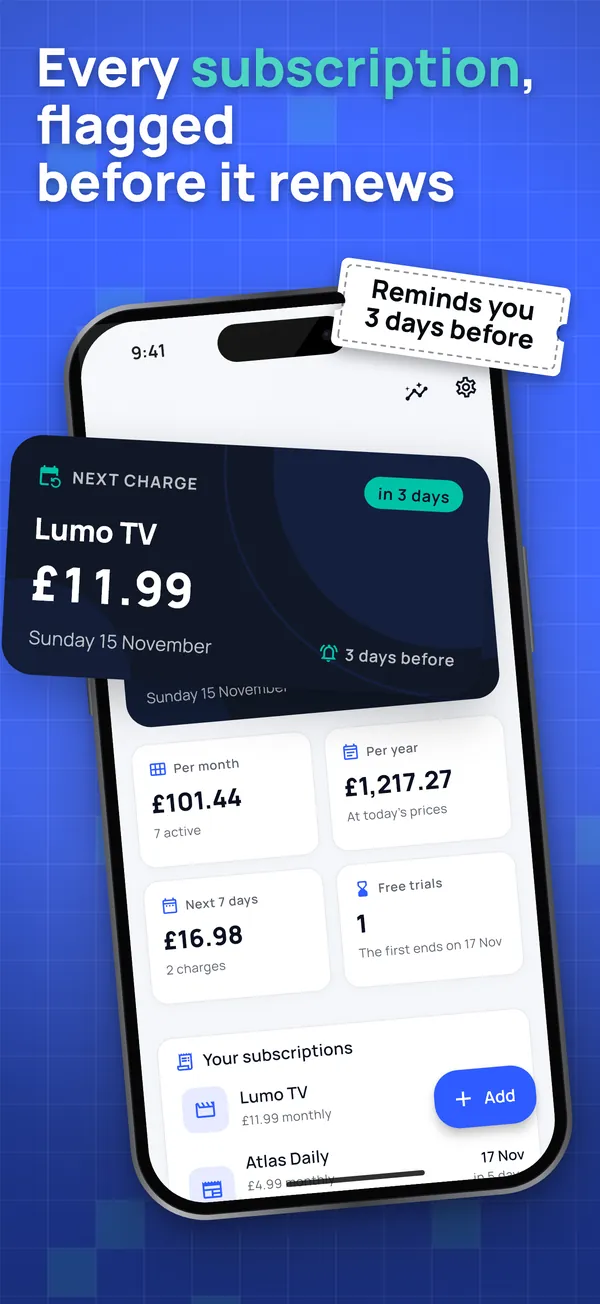
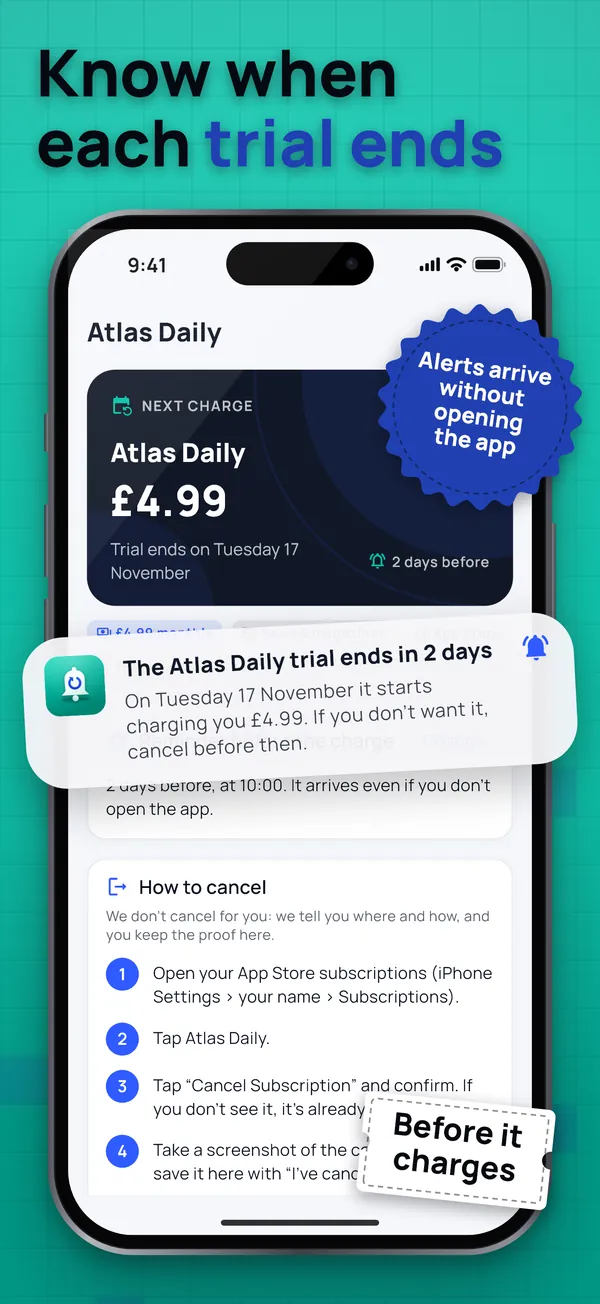
Every subscription comes with its reminder as you add it, 3 days before by default, plus a reminder before each free trial ends. They're scheduled on your phone, so they arrive without opening the app, and "Check your reminders" sends a test notification in 10 seconds.

Seven subscriptions free for good, with no ads

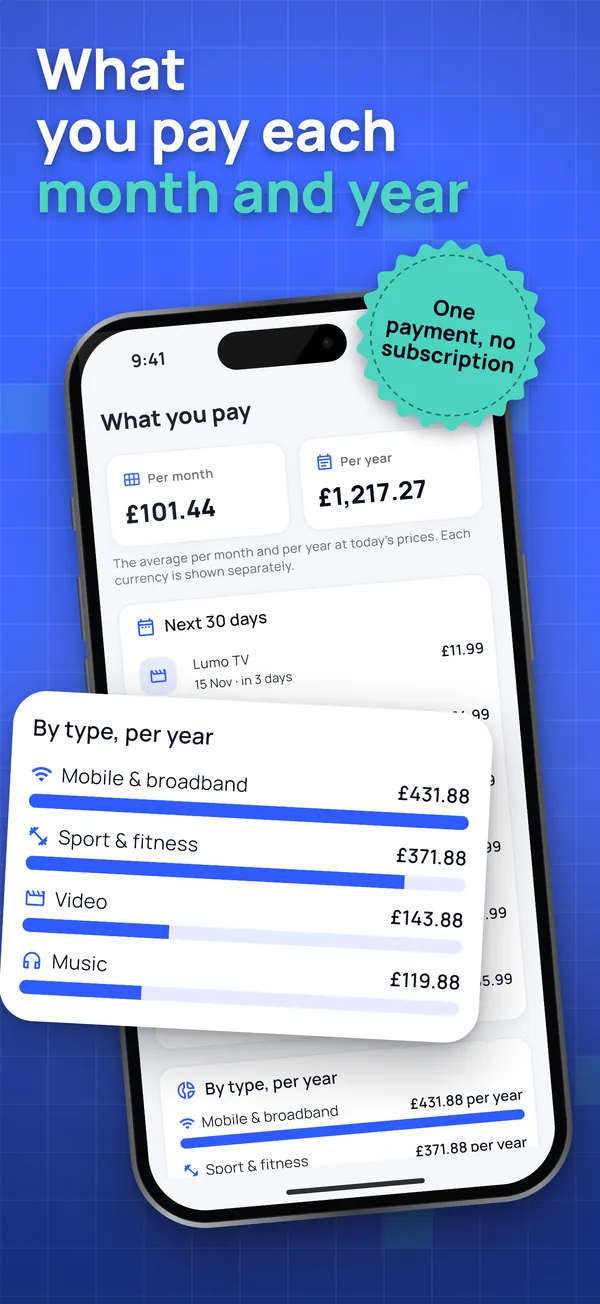
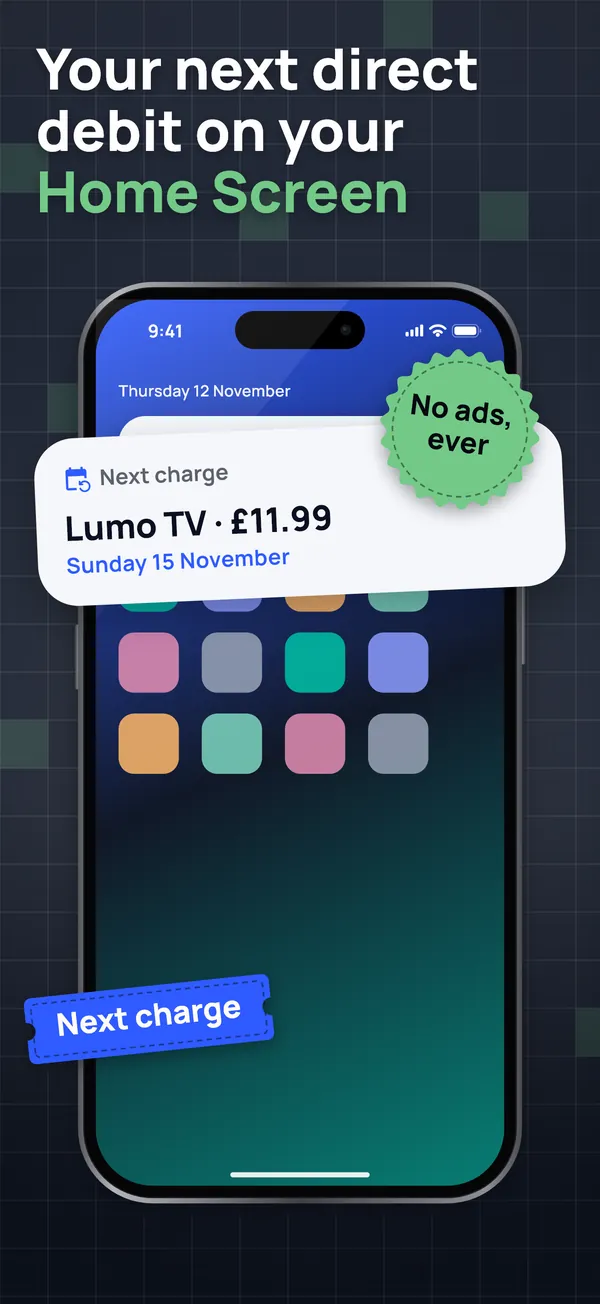
Payment and renewal reminders, free trial reminders, the step-by-step guide to cancel subscriptions, proof of cancellation, monthly and yearly totals, price history, the Home Screen widget, Face ID or fingerprint lock and CSV export cost nothing for up to 7 active subscriptions, with no time limit. A one-off purchase adds unlimited subscriptions and screenshots and charts by category and year. It's only offered when you add the 8th.

How it works

  1. Open the app: one welcome screen says what it does and what it can't do. No account, no bank.

  2. Add your subscriptions and bills from a screenshot of your subscriptions list, from the catalogue or by hand. Each one gets its reminder 3 days before the payment.

  3. Get a heads-up before every direct debit, renewal and trial ending. Want out? Follow the guide to cancel, keep the proof and the app checks you weren't charged again.

Guides and tips

Frequently asked questions

Is this subscription tracker free?

Yes, for up to 7 active subscriptions, for good and with no ads: payment and trial reminders, the cancellation guide, the proof, totals, the widget, the lock and CSV export. A one-off purchase (not a subscription) unlocks unlimited subscriptions, unlimited screenshots and charts. The UK price is shown before you pay.

Does it find my subscriptions and direct debits by itself?

No app can: iPhone and Android don't let apps read your subscriptions, and we never ask for your bank login or email. Instead, take one screenshot of your subscriptions list (Find the forgotten ones opens it for you) or of a statement, and it's read on your phone in seconds. You check each line and the image is deleted.

Can it cancel subscriptions for me?

No, and we tell you up front. Nobody can cancel without your login. The app shows how to cancel each one depending on where you pay (App Store, Google Play, the provider's website or a direct debit with your bank), reminds you before the payment and keeps your proof of cancellation.

Do reminders arrive if I don't open the app?

Yes. Reminders are scheduled on your phone when you add each subscription, so they arrive without opening the app. Settings > Check your reminders shows whether notifications are allowed and sends a test one in 10 seconds.

What if I'm charged after cancelling?

Save the cancellation with its date, channel, reference and a screenshot. On the day the next payment was due, the app asks whether you were charged again and, if so, shows the usual steps to dispute it, including a direct debit. It's general information, not legal advice.

What happens when I reach 7 subscriptions?

You keep all of them with everything they do: reminders, guide, proof and widget. Only adding an 8th asks for the one-off purchase. Your data is never locked and what's free stays free.

Where is my data kept?

Only on your phone. No account, no bank connection and no server of ours. Screenshots are read on the device and deleted. Only the purchase and anonymous usage and crash statistics leave the phone.

Support

Questions or problems? Email soporte@ambarstudios.app and include the support code shown in the app's Settings. If you bought unlimited subscriptions and can't see them, tap Restore purchases in Settings, with the same store account.