Skip to content

A word search generator that shows the page before you print it

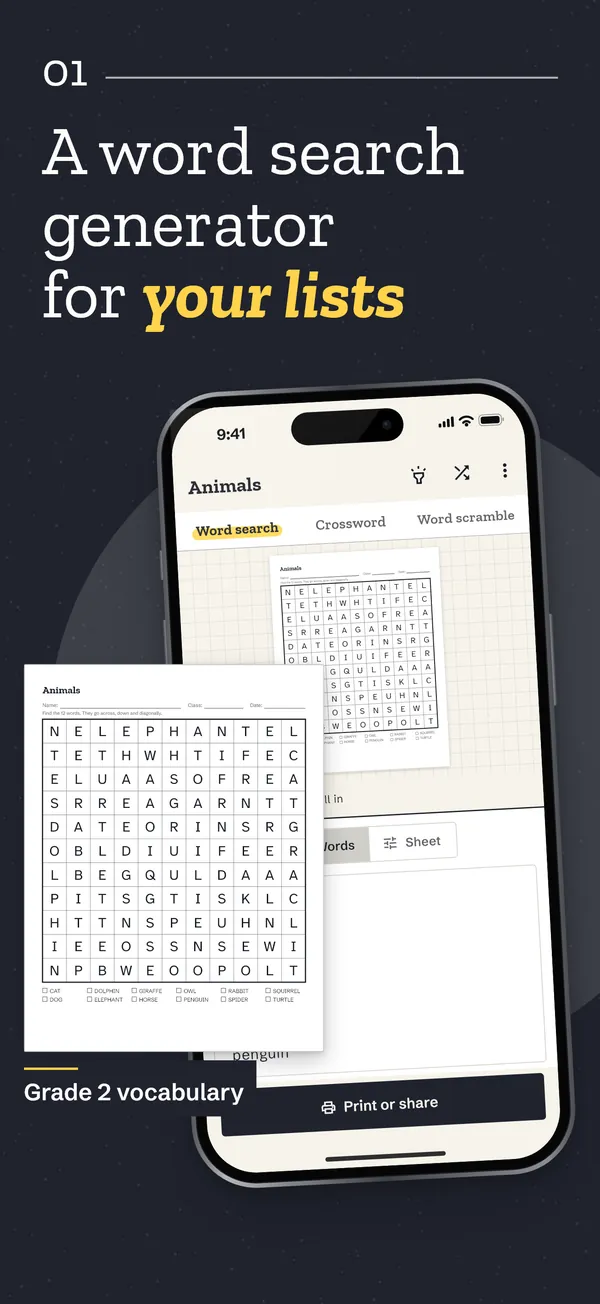
Monday's spelling list, the vocabulary for the unit on weather, the names of everyone coming to the reunion. Type them in, or paste them from a note, and the puzzle appears on a full sheet of paper while you're still typing: title, a line for name and date, the grid across the whole width and the word bank underneath. When it looks right, print it or save it as a PDF on Letter or A4, and the answer key comes on its own page with every word circled. It all happens on your phone: no account, no ads, nothing uploaded.

Get it on Google PlayComing soon

What version 1.0 does

PuzzlesWord search; with Pro, also a crossword with clues and a word scramble made from the same list
GridFits itself to your longest word and your number of words, or set it by hand; up to 20 × 20 and 20 words, 30 × 30 and 40 words with Pro
DirectionsEasy (across and down), medium (adds diagonals) or hard (also backwards), or pick them one by one
LettersUpper or lower case, accents kept or removed, and filler letters from the puzzle's own alphabet in 13 languages
PaperLetter in the US, A4 elsewhere, switchable; the answer key always on the next page
Ready-made themes12 lists to start from: animals, fruit, Christmas, months, colors, the body, the house, school, jobs, weather, sports and countries
Not in version 1.0Playing the puzzle on the phone, online sharing links and AI-written lists
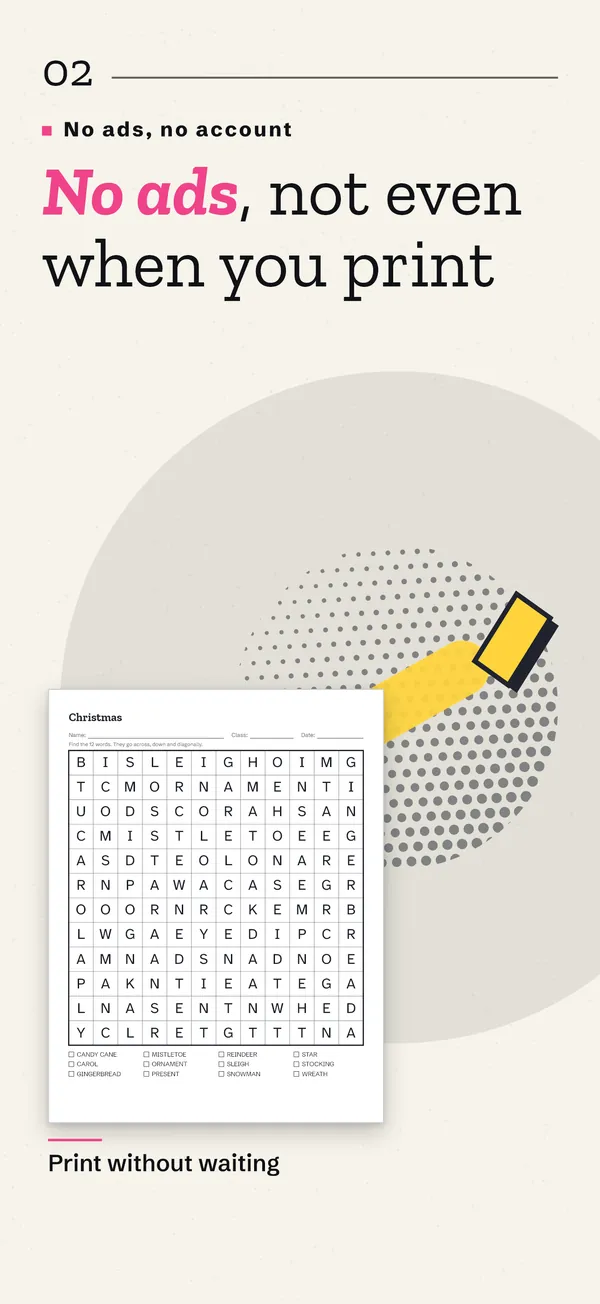
Account and adsNone, and none
PriceWord searches free with no limit on sheets; Pro is one payment, never a subscription

See the app

From a list of words to a stack of copies

See the sheet as you type

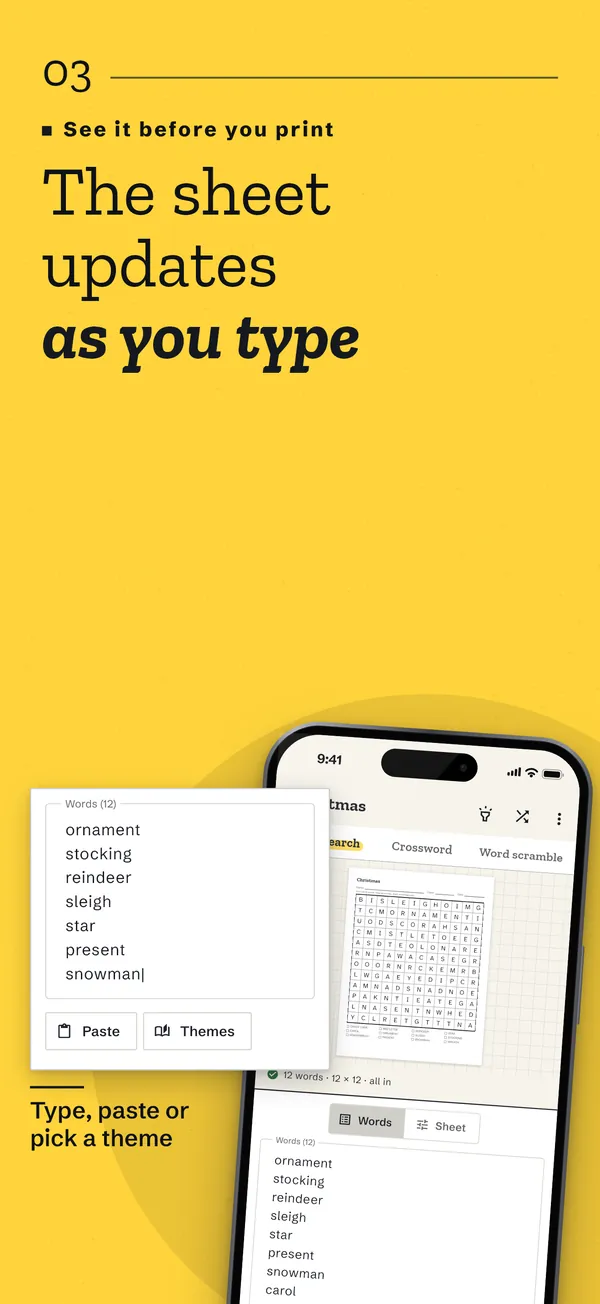
There's no Generate button and no file to open to find out how it came out. Every word you add appears in the grid straight away, on a page drawn to the size of real paper. Tap a word to move it, shuffle only the filler letters, or ask for a different layout until the sheet looks the way you want.

It tells you which word doesn't fit

If a word is longer than the grid or there's no room left for it, the app names it and offers to enlarge the grid to the size where everything fits. You never print a sheet with a word missing from the grid but still in the list.

An answer key you don't have to make

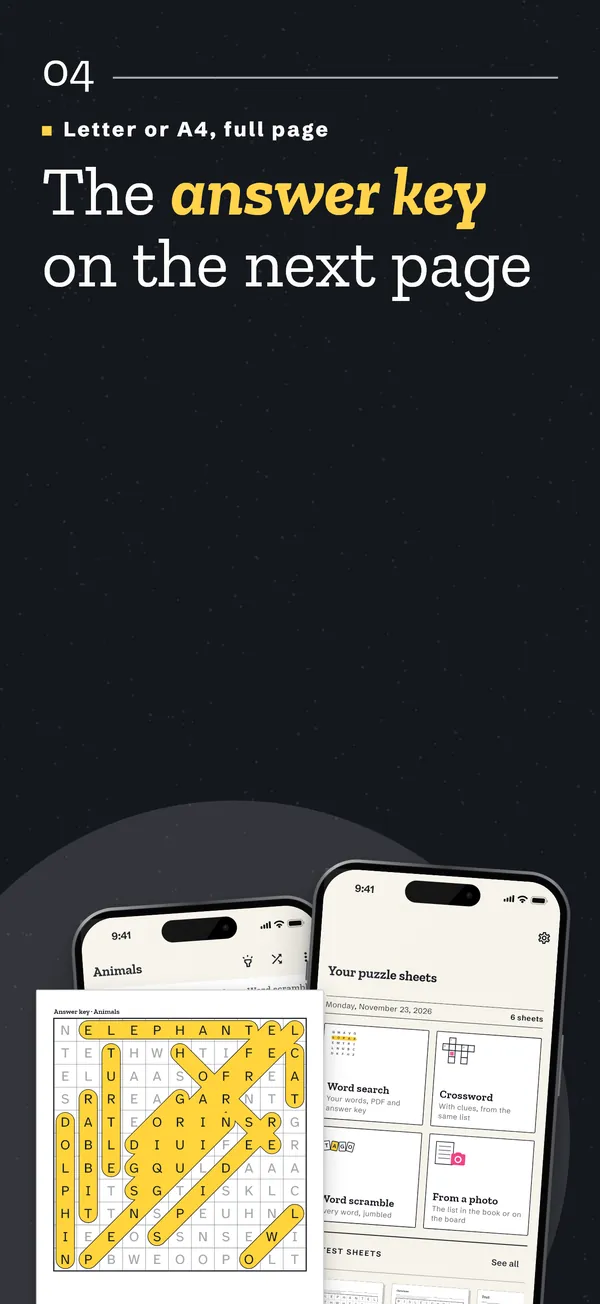
Every PDF comes with the solution on the following page, each word wrapped in a highlighter-yellow capsule. Print one copy of the key for yourself and as many puzzle pages as the class needs.

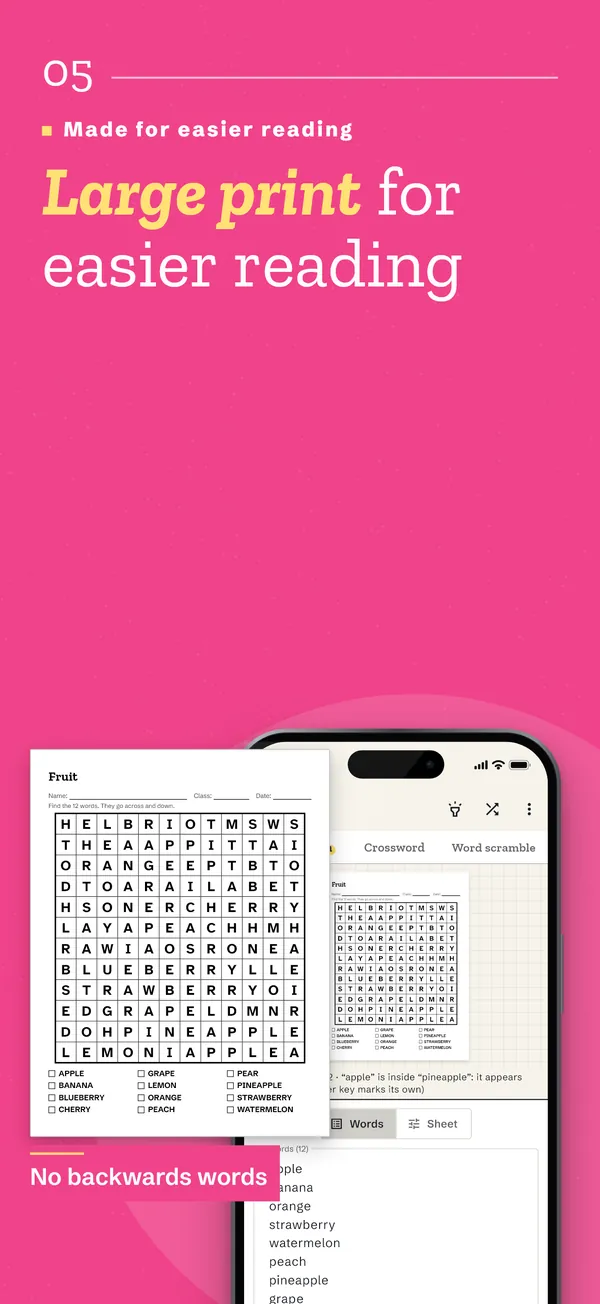
Large print for easier reading

One switch makes bigger squares, bigger letters in the word bank and fewer words per page, with stronger contrast and no backwards diagonals by default. It's made for reading groups, activity coordinators and anyone who finds small print tiring.

Your list, in your alphabet

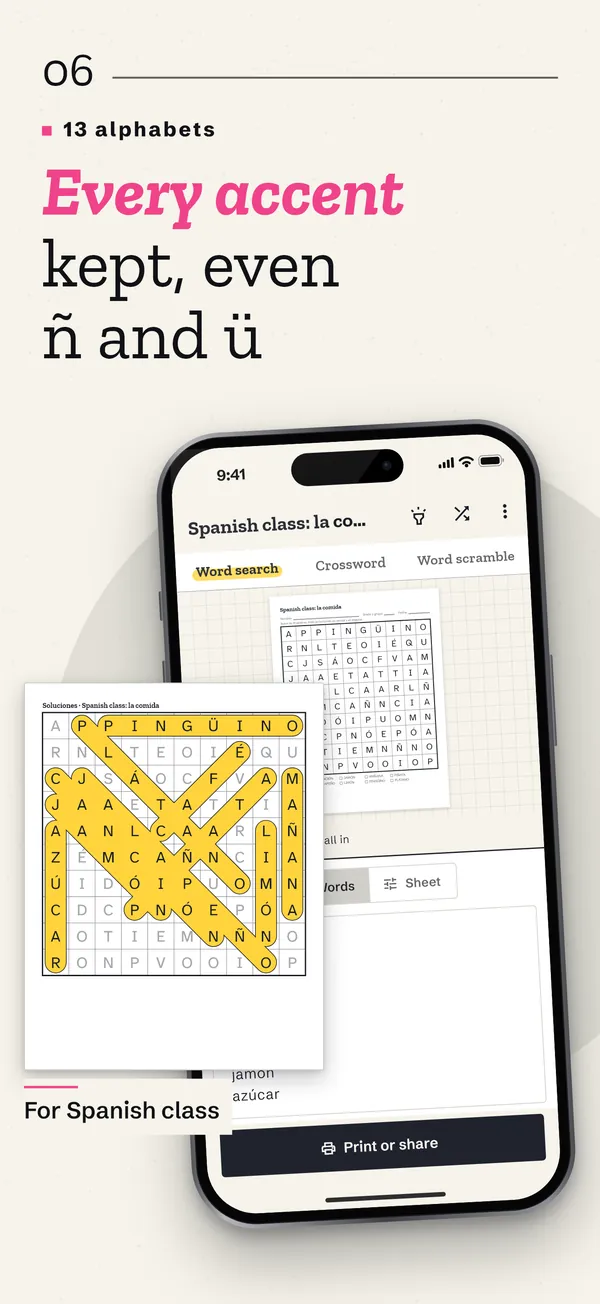
Accents stay where you typed them, lower case stays lower case, and the filler letters come from the alphabet of the puzzle's language. The language of the puzzle is separate from the app's: a Spanish teacher in Ohio can make a sheet in Spanish with the app in English.

Pay once for the extras

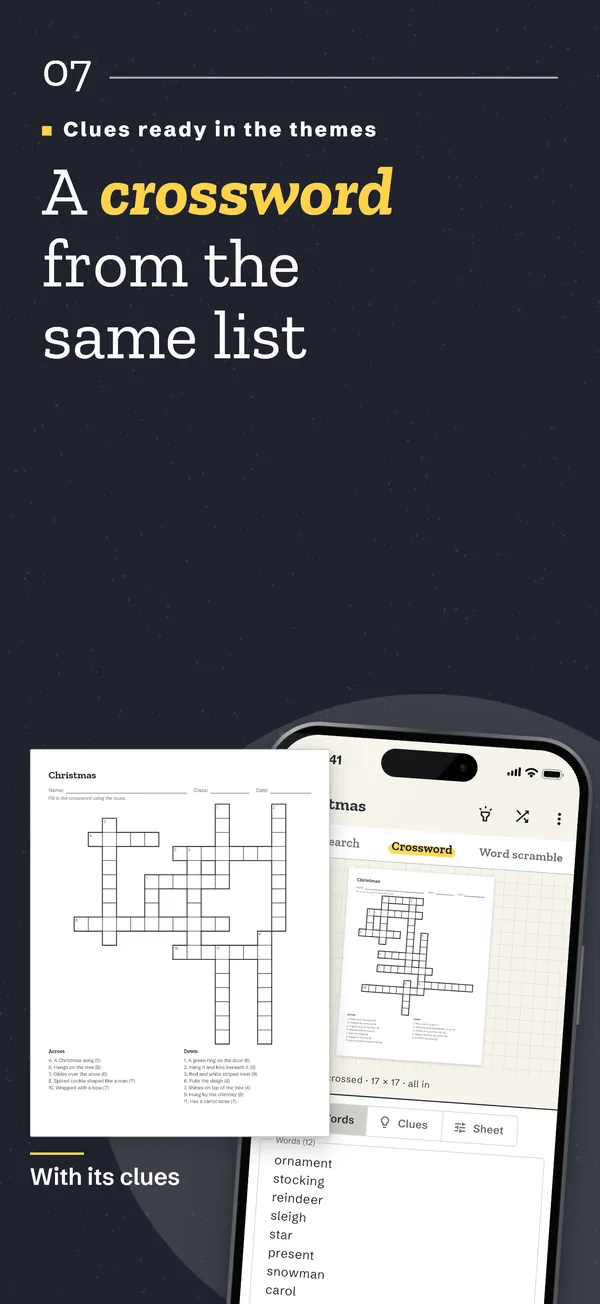
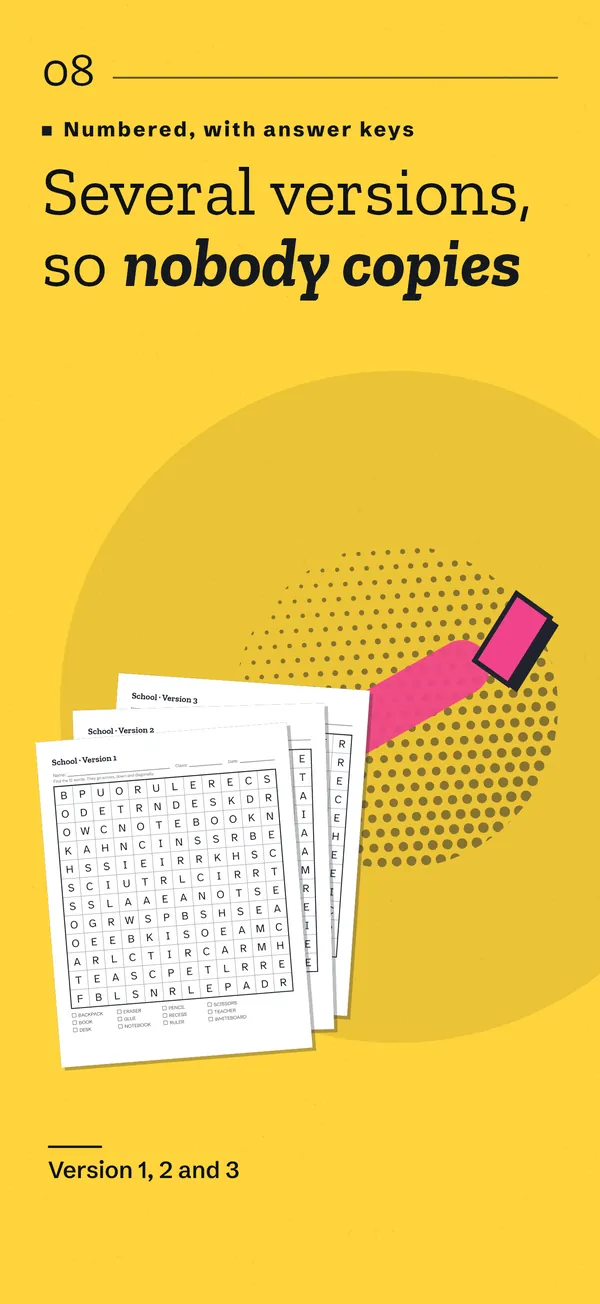
Pro adds a crossword with clues and a word scramble from the same list, up to 40 words and 30 × 30, shaped grids (heart, star, Christmas tree, house, circle), a hidden message in the leftover letters, several versions of one puzzle so neighbors can't copy, booklets of several lists, your school's name and logo instead of the app's footer, folders for your sheets and PNG export. It's one payment through Google Play.

Word searches stay free. No ads, ever.

The free part is free for good: as many word searches as you like, each PDF with its answer key, and your ten latest sheets in view. No ads appear anywhere, and no free feature will slip behind Pro in an update. A free page has a small “Made with” note and a QR code at the foot; Pro swaps that for your school's or group's own header. Pro is paid once and stays yours, with nothing that renews: Google Play shows the amount in your currency first, and on a new phone it unlocks again from Settings.

How it works

  1. Open the app: a sample sheet is already set up. Replace the words with yours, one per line or separated by commas, or start from one of the ready-made themes.

  2. Watch the page as you type. Set the title, the instructions and the name and date line, and choose easy, medium or hard.

  3. Tap a word in the grid to move it, or ask for another layout. If a word doesn't fit, the app says which one.

  4. Print it, save the PDF or share it, on Letter or A4. The answer key comes on the next page.

  5. Find it again in your archive next time you need the same list.

Frequently asked questions

How do I make my own word search with my own words?

Type your words in the list, one per line or separated by commas, or paste them from a note or an email. The puzzle appears on the sheet as you type, with the grid sized to your longest word. When it looks right, print it or save it as a PDF.

Does the PDF include an answer key?

Yes, always. The puzzle is on the first page and the answer key on the next one, with every word circled in yellow, so you can print the key once and the puzzle as many times as you need.

Can I print on Letter paper?

Yes. In the US the app starts with Letter and fills the whole width of the page; you can switch to A4 in the sheet options or in Settings.

Is there a large print option for seniors?

Yes. Large print makes the squares and the word bank bigger, puts fewer words on a page and avoids backwards diagonals by default. It's meant for easier reading; it isn't a health or memory program.

Can I make a word search in another language?

Yes. The puzzle's language is chosen separately from the app's, and the filler letters come from that language's alphabet: Spanish with ñ, German with ä, ö, ü and ß, Polish, Japanese kana and more, 13 languages in all.

Can it make crosswords too?

Yes, with Pro. The same word list becomes a crossword with your clues (the ready-made themes come with clues) and a word scramble, each with its own answer page.

Are there ads, or do I need an account?

Neither. There are no ads in the free version or in Pro, and no account to create. Your lists and sheets are saved on your phone and the app works without a connection.

What does Pro cost, and is it a subscription?

Pro is a single payment through Google Play, not a subscription; the app shows the price for your country before you buy. Word searches with the PDF and the answer key stay free.

Support

If a puzzle prints oddly, mail the word list and your paper size (A4 or Letter) to soporte@ambarstudios.app; we rebuild it with those exact words and reply. Pro missing after paying? Tap Restore purchases in Settings: it checks the Google Play account that made the payment.