The worksheet is never hidden
You don't export a file to see what you've made. Each word lands in the grid as you type it, on a page drawn to the proportions of A4. Tap a word to move it, reshuffle just the filler letters, or ask for a fresh layout.
This week's phonics words, the Romans topic list, the names of everyone on the residents' quiz team. Type them or paste them in and the wordsearch builds itself on an A4 page as you go: a title, a line for name and date, a grid that fills the width of the paper and the word list underneath. Happy with it? Print it or save the PDF, and the answer sheet follows on its own page with every word ringed. It all stays on your phone: no sign-up, no adverts, nothing uploaded.
| Puzzles | Wordsearch; with Pro, a crossword with clues and anagrams (word scramble) from the same list as well |
|---|---|
| Grid | Sized to your longest word and the number of words, or set by hand; up to 20 × 20 and 20 words, 30 × 30 and 40 words with Pro |
| Difficulty | Easy (across and down), medium (with diagonals) or hard (backwards too), or choose each direction |
| Letters | Capitals or lower case, accents kept or removed, and filler letters from the puzzle's alphabet in 13 languages |
| Paper | A4 in the UK, US Letter if you need it; the answer sheet always on the next page |
| Starter lists | 12 themes ready to edit, including animals, fruit, Christmas, the months, colours, jobs, sport and countries |
| Not in version 1.0 | Solving on the phone, online links to solve it and AI-written word lists |
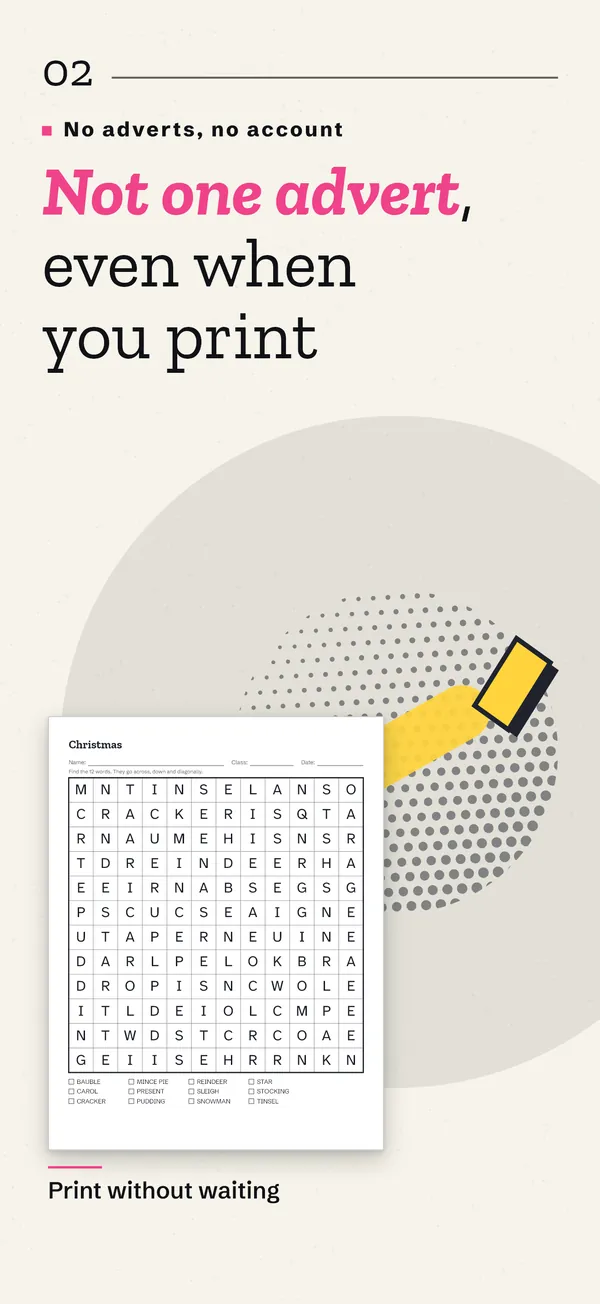
| Sign-up and adverts | None, and none |
| Price | Wordsearches free with no cap on sheets; Pro is a single payment, never a subscription |
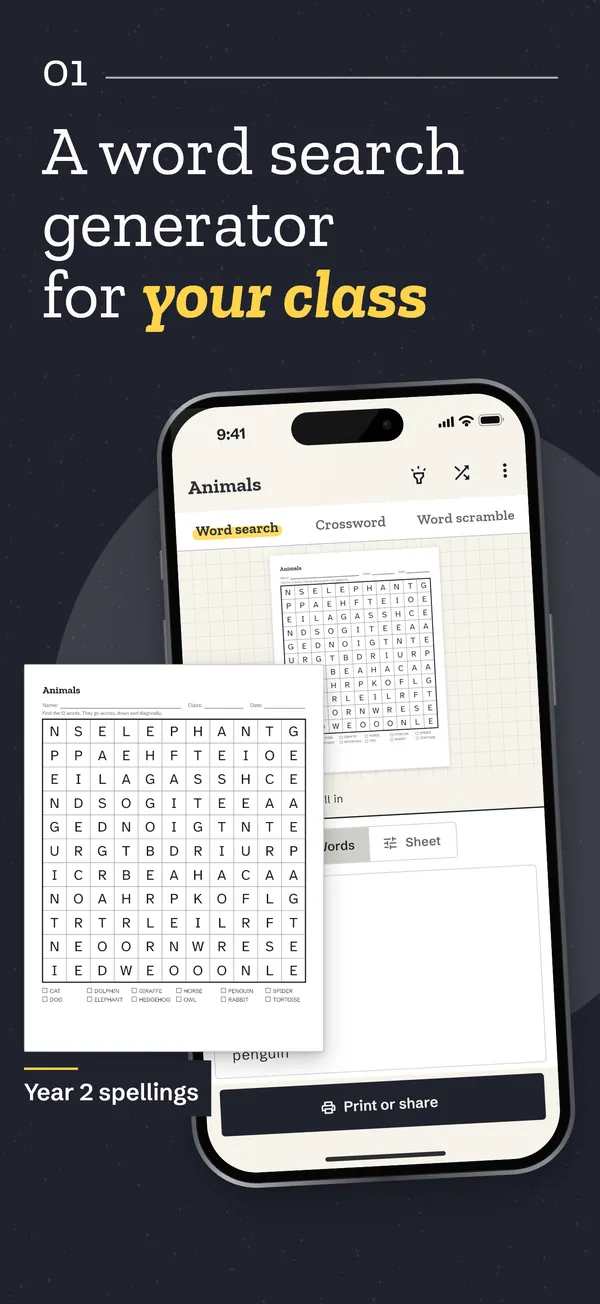
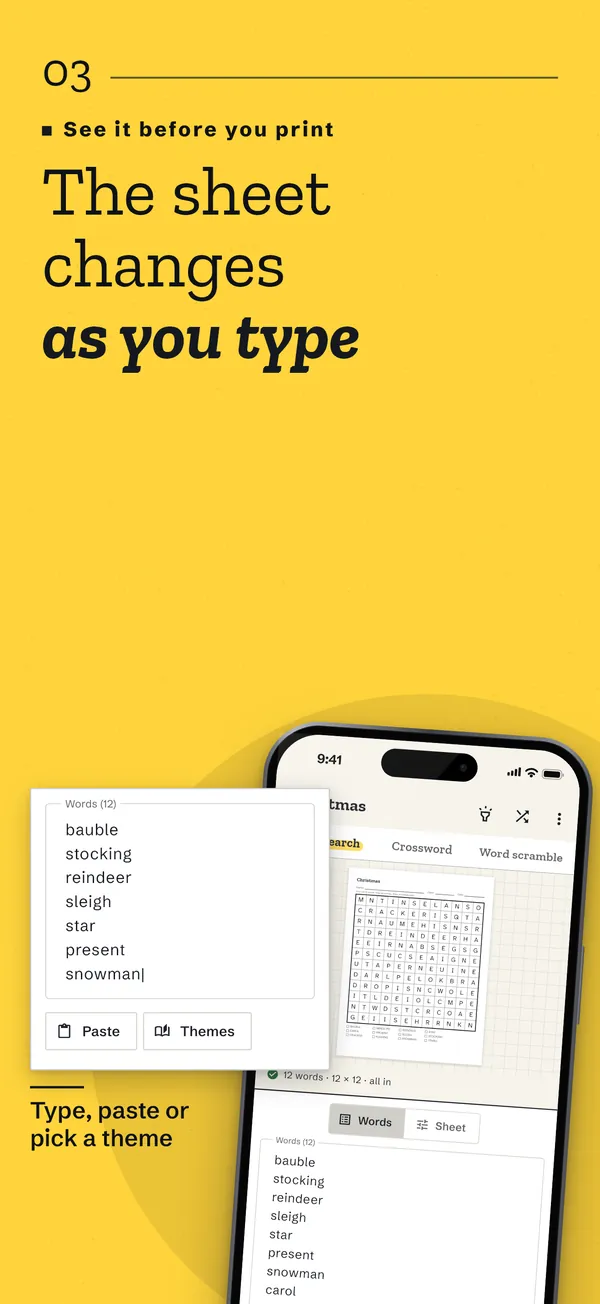
You don't export a file to see what you've made. Each word lands in the grid as you type it, on a page drawn to the proportions of A4. Tap a word to move it, reshuffle just the filler letters, or ask for a fresh layout.
If a word is too long for the grid or there's no space left, the app says which one and offers the grid size where every word fits, so the list and the puzzle always match.
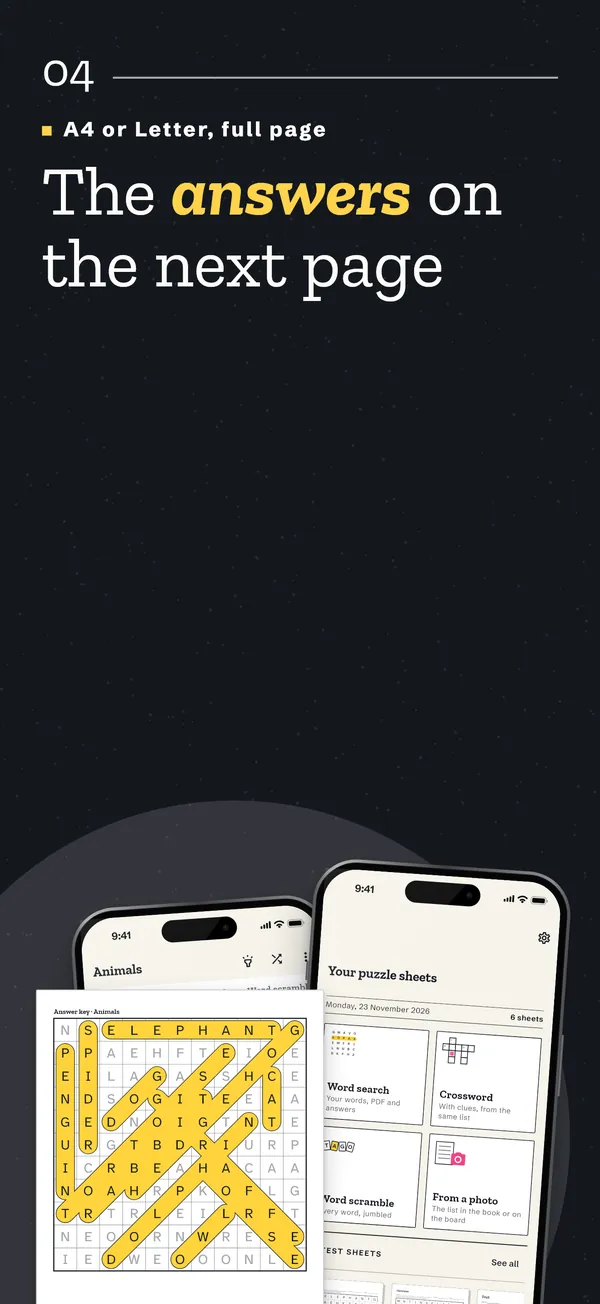
Page two of every PDF is the solution, each word ringed in highlighter yellow. Keep one for marking and copy the puzzle page for the class.
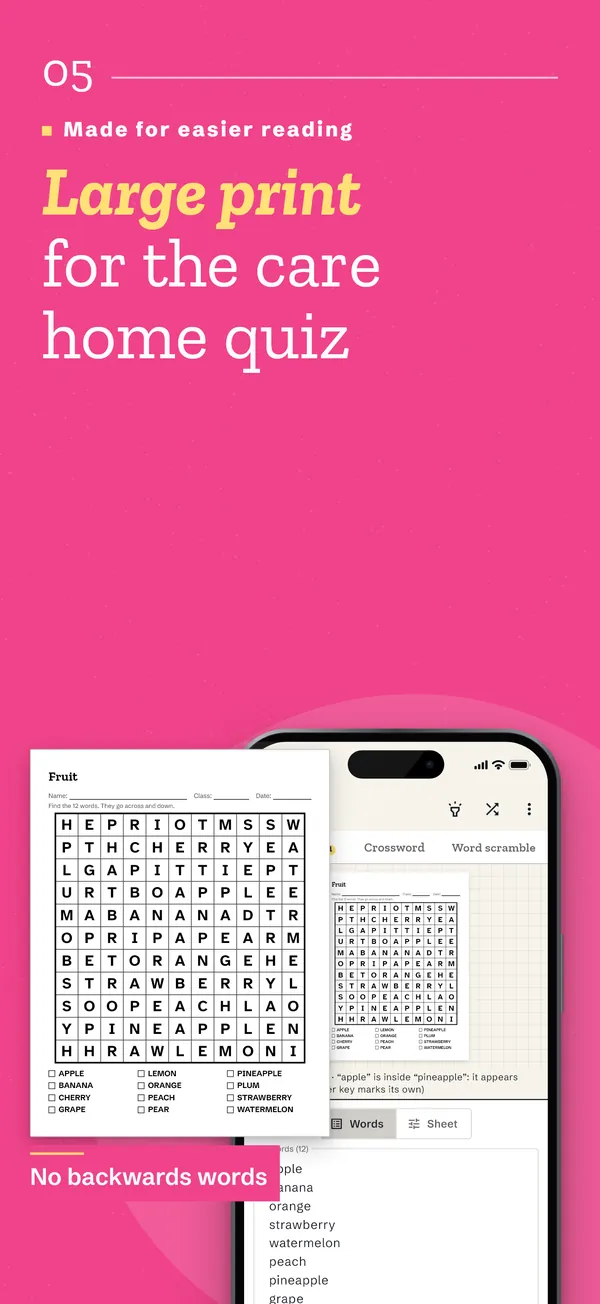
Bigger squares, a bigger word list, fewer words to a page, stronger contrast and no backwards diagonals unless you ask. Useful for care home activity sessions, reading groups and anyone who struggles with small print.
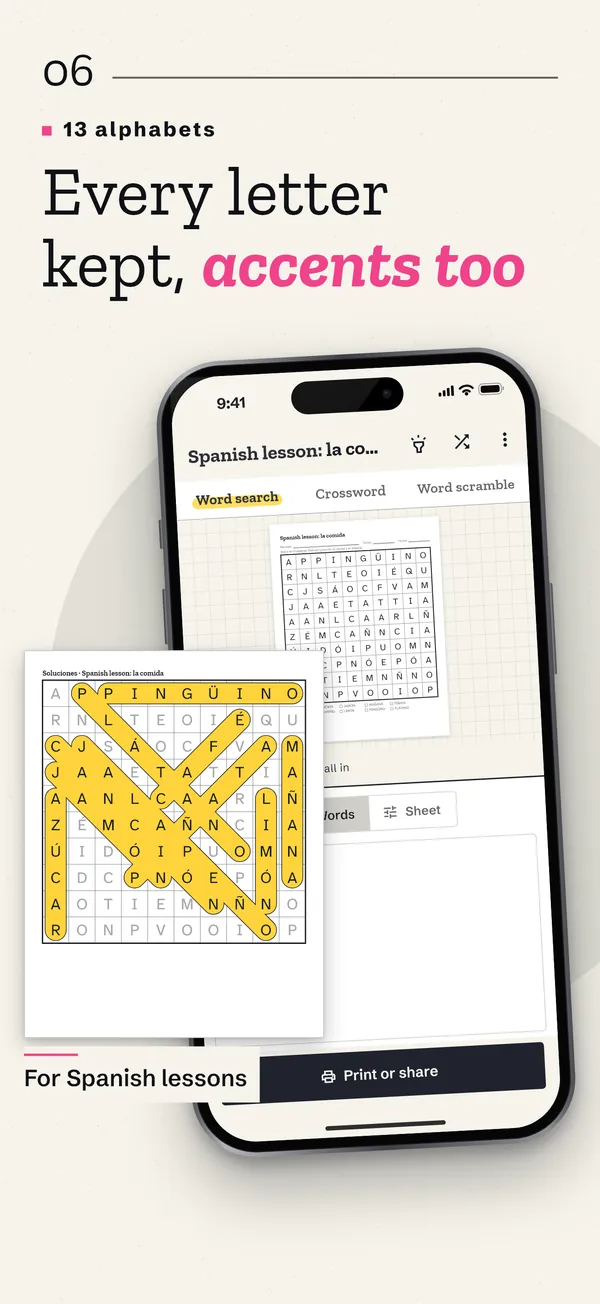
The puzzle's language is set separately from the app's, so a French or Spanish teacher can build a sheet with ç, é or ñ and have the grid filled with letters from that language rather than random English ones.
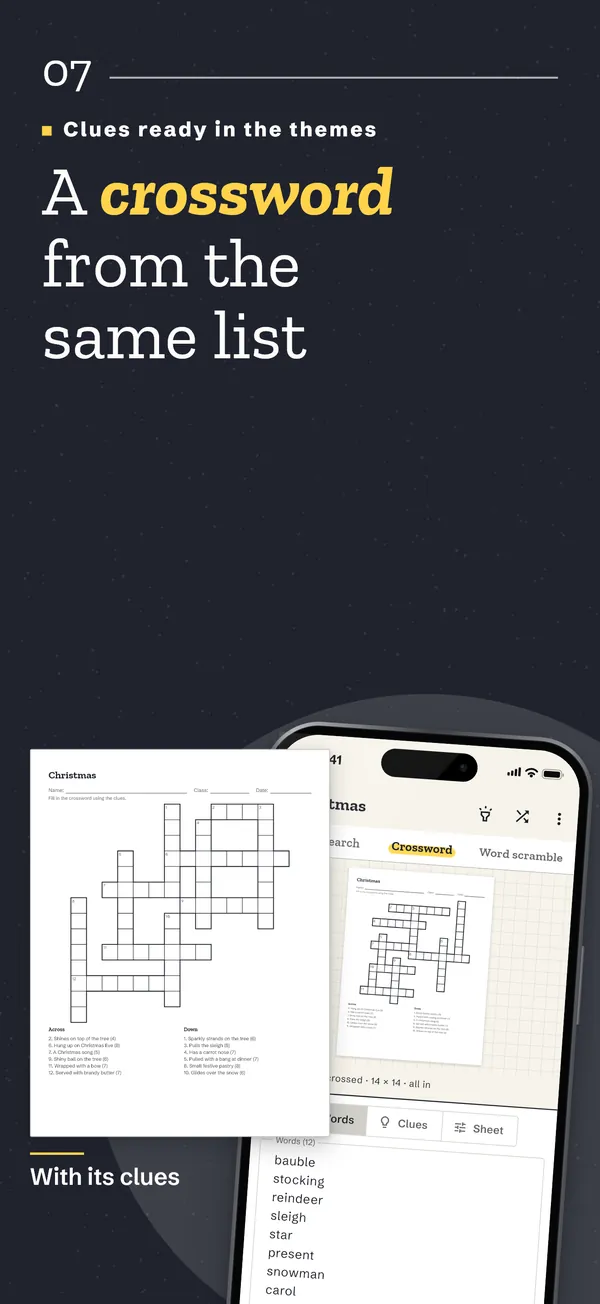
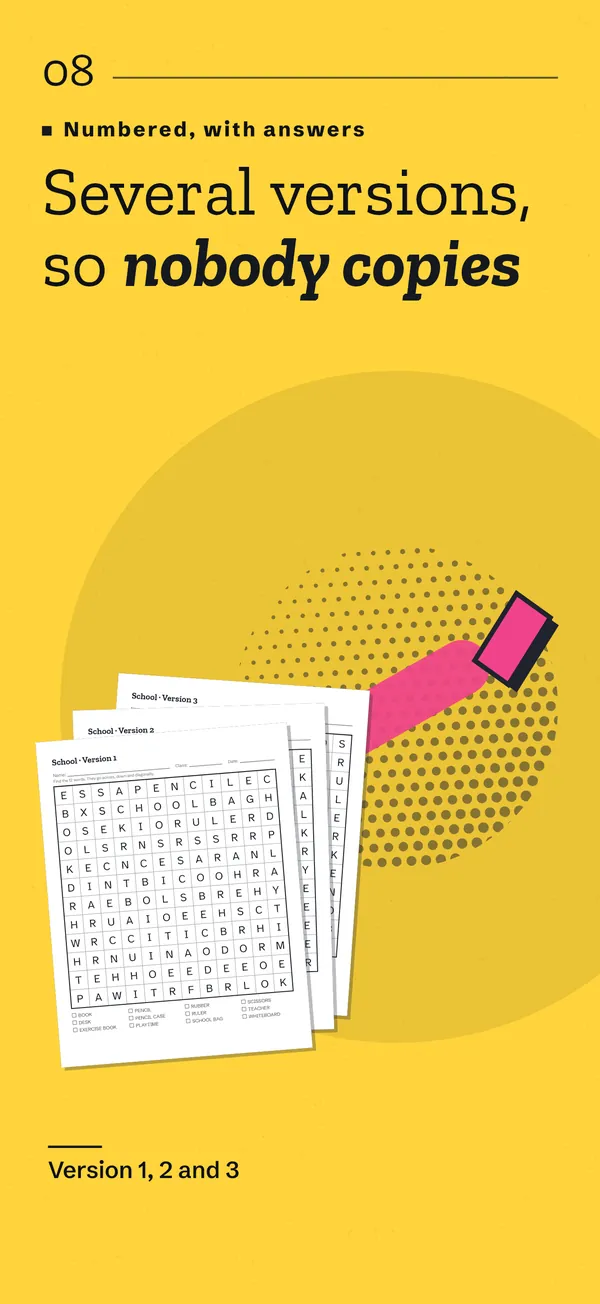
Pro adds a crossword with clues and anagrams from the same list, up to 40 words and 30 × 30, shaped grids (heart, star, Christmas tree, house, circle), a hidden message in the spare letters, numbered versions so neighbours can't copy, booklets of several lists, your school's name and logo in place of the app footer, folders and PNG export. One payment through Google Play.
Wordsearches stay free, and advert-free.
Building wordsearches, printing them with the answer sheet and keeping your recent sheets costs nothing, carries no adverts and won't be trimmed back in a future version. A free sheet has a small line with the app's name and a QR code at the foot of the page; with Pro, your own header replaces it. Pro is a one-off purchase that never becomes a subscription, you see the UK price before paying, and Restore purchases brings it back on a new phone.
Open the app and change the sample list to your words, one per line or separated by commas, or begin from a starter theme.
Watch the A4 page as you type. Add the title and instructions, keep or drop the name and date line, and pick easy, medium or hard.
Tap a word in the grid to move it, or ask for another layout. If a word won't fit, you're told which.
Print it, save the PDF or share it. The answer sheet is on the next page.
Your sheet stays in the archive for next term.
Type or paste your words, one per line or with commas between them, and the wordsearch appears on an A4 page as you go. When it looks right, print it or save it as a PDF.
Yes, every time: the puzzle is on page one and the answers on page two, with each word ringed in yellow.
Yes. In the UK the app starts with A4 and fills the width of the page; US Letter is there if you need it.
Yes. Large print makes the squares and the word list bigger and puts fewer words on a page. It's there to make reading easier, not as a memory or health programme.
Yes, with Pro. The same list turns into a crossword with your own clues (the starter themes come with clues) and an anagram sheet, each with its answers.
No adverts, free or Pro, and no account. Your lists and sheets are saved on the phone and it works offline.
No. It's a single payment through Google Play and the app shows the UK price before you buy. Wordsearches with the PDF and answer sheet stay free.
Sheet not coming out right? Email soporte@ambarstudios.app with the word list and the paper size and we'll try the same words. Bought Pro and can't see it? Go to Settings → Restore purchases using the Google Play account you paid with.